Photo Canvas That Plays Video: Premium Wall Art
Stories AR team
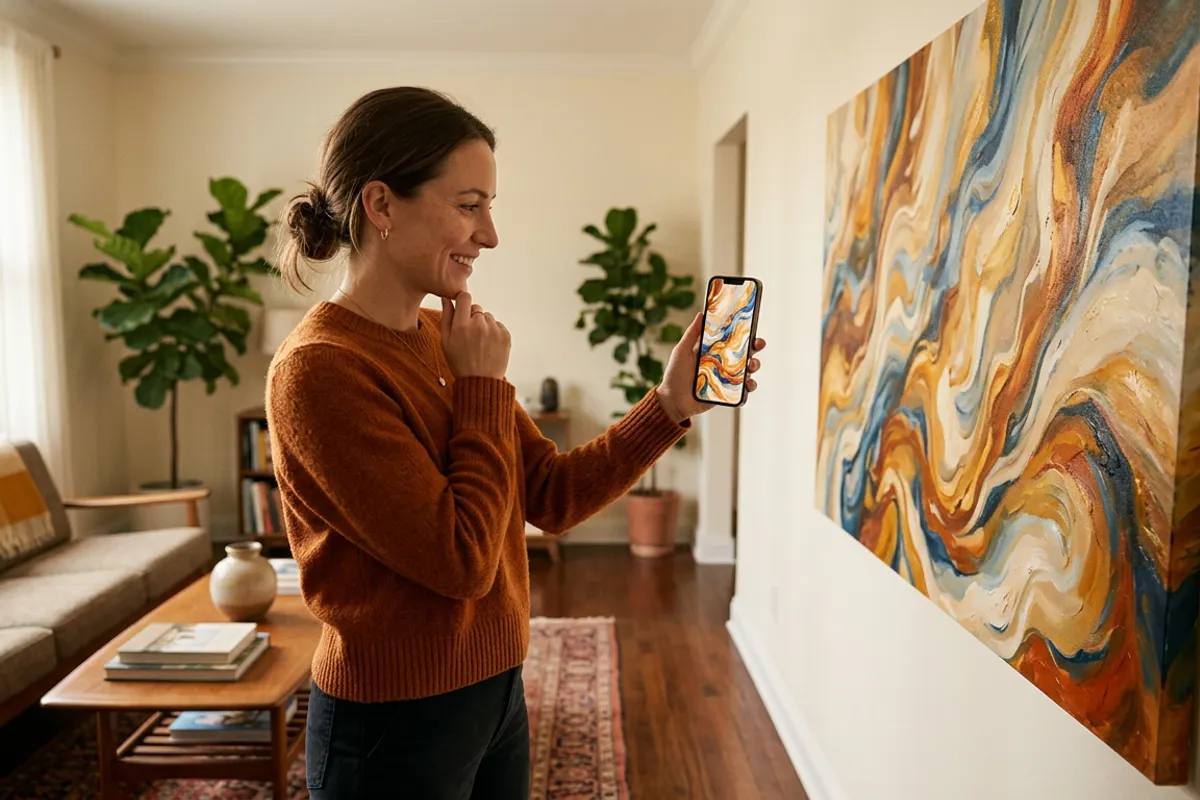
A canvas print is already the top of most photographers' product ladder. Add an AR layer and it becomes something no regular print shop can match: wall art that plays the wedding vows, the first dance or a child's laughter when someone points a phone at it. This guide covers why canvas is technically the best AR format, how to produce it, and how to price it as a premium product.
Quick answer
An AR canvas print works like any AR photo: upload the canvas image and a video to Stories AR, get a QR code, and the printed canvas plays the video in the viewer's browser — no app needed. Canvas is the strongest trigger format because it is large and detailed, which makes tracking fast and stable. Price it as your premium wall-art tier, not as a canvas with a surcharge.
Key takeaways
- Large, detailed surfaces are ideal triggers — a canvas gives the camera far more texture to lock onto than a small print.
- Matte canvas texture avoids the glare problems of glossy photo paper.
- The video can be replaced anytime without touching the canvas: a wall piece that evolves over the years.
- Wedding and family walls are the natural market: vows, first dance, kids growing up.
- Sell it as a separate premium tier — the client pays for a living heirloom, not for printing.
Why canvas is the strongest trigger format
AR image tracking feeds on detail and size. Stories AR recognizes triggers from business-card size up to posters, but the bigger and more detailed the image, the faster and more stable the lock. A wall canvas — typically 40×60 cm and up — is about the best trigger a photographer can produce.
Canvas texture helps too. Glossy photo paper throws glare that can interfere with the camera; canvas is naturally matte, so it scans reliably under living-room lighting, window light and even camera flash.
The only images to avoid are the same ones that fail on any format: flat single-color backgrounds and repeating patterns. A portrait, a wedding scene or a family group — the images people actually put on walls — are exactly what tracking loves. The mechanics are the same as for any AR picture; canvas just gives them the best possible surface.
What video belongs on a wall
A canvas hangs for years, so choose a video with lasting emotional weight rather than a quick gag. The strongest pairings:
- Wedding canvas: the vows or the first dance, starting from the exact frame printed on the canvas.
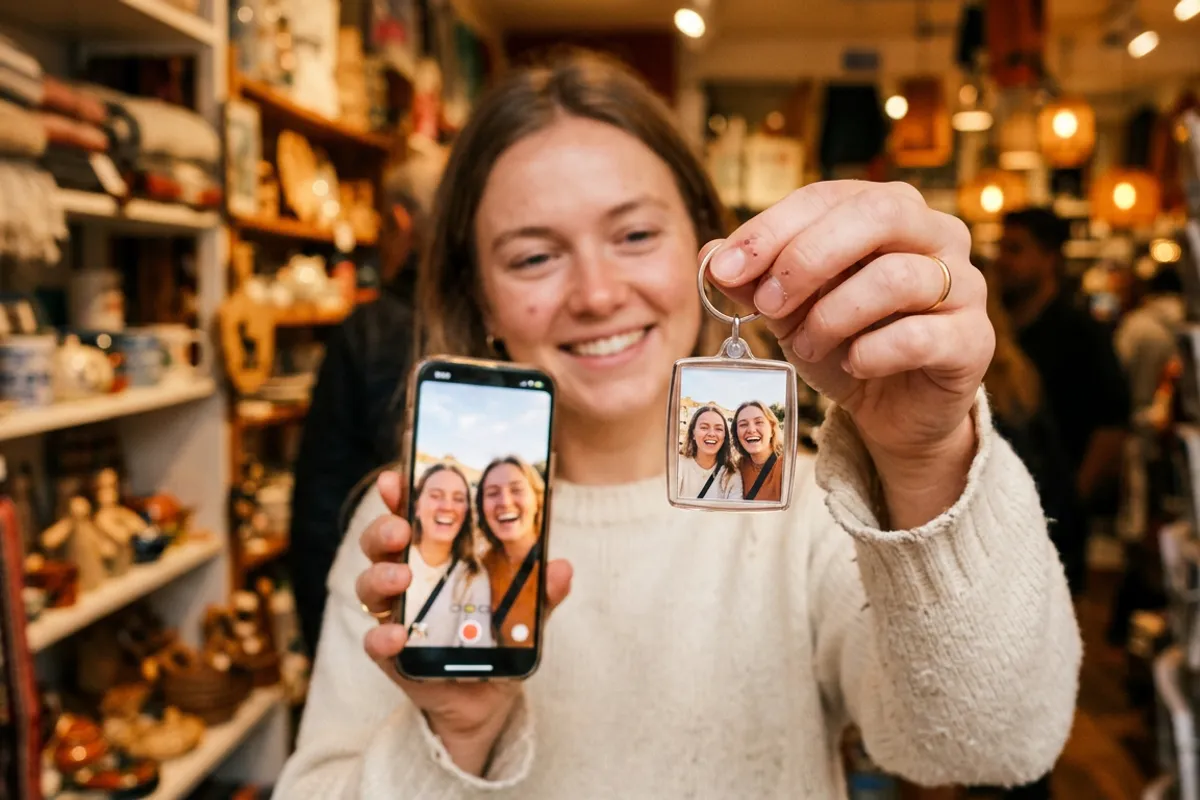
- Family canvas: 20–30 seconds of the session's candid moments — laughter, a toddler running into the frame.
- Anniversary canvas: a short message recorded by the couple for their future selves.
- Newborn canvas: first sounds and tiny movements that a still image cannot hold.
Production: nothing changes at the print lab
The physical product is produced exactly as before — same lab, same stretcher bars, same canvas stock. The AR layer is added digitally: upload the final canvas image plus the video at pro.stories-ar.com, and you get a link and QR code in about two minutes.
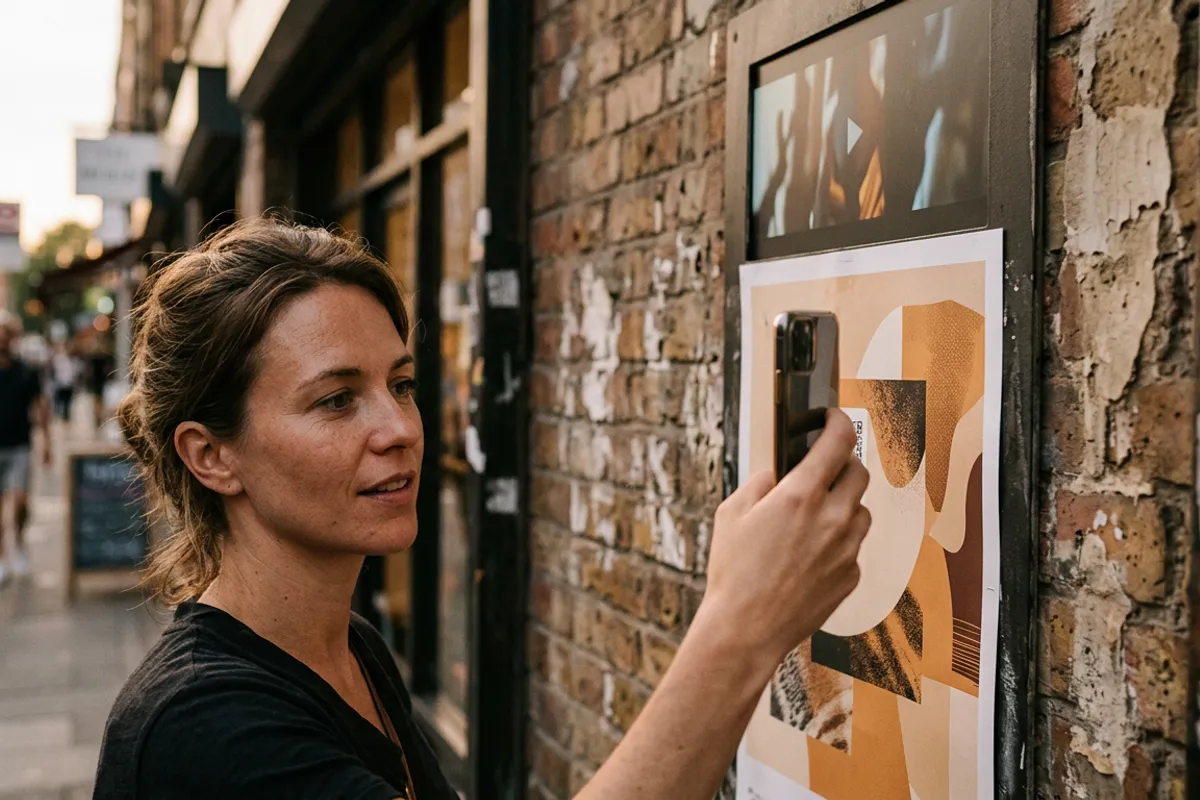
Place the QR code where it doesn't fight the art: a small code on the edge of the canvas, on the back with a "scan me" note, or on an elegant card that ships with the piece. Guests who see the canvas will ask — the owner shows them where to scan.
One AR photo serves the canvas for its whole life, and the video can be swapped anytime without reprinting. That turns a static wall piece into something that grows: this year the wedding dance, on the tenth anniversary a new message. On the platform side, more than 259 000 AR photos have been created this way.
Pricing: premium tier, not a surcharge
Do not sell an AR canvas as "canvas + $30 for the video". Frame it as a separate top tier of your wall-art line: regular canvas, then living canvas at roughly 1.5–2× the price. The client is buying a category upgrade — an heirloom that speaks — and premium framing is what makes that legible.
Your cost side is mostly fixed: the PRO plan at $24/month billed yearly includes 20 AR photos per month, so one living canvas typically consumes a single slot out of twenty. Everything above your normal canvas margin is the AR premium.
In the sales conversation, demo beats description: show one living canvas (or a smaller demo print) and let the client scan it themselves. A canvas that plays a couple's first dance sells the next one on the spot.
Where AR canvas fits in your product line
Weddings are the anchor: the living canvas becomes the centerpiece offer of the premium package, with albums and smaller prints around it. Family sessions come second — parents' walls, grandparents' gifts, anniversary pieces.
Position it against digital frames honestly: a digital frame is a screen that needs power and shows a slideshow; a living canvas is real printed art that reveals its video only when someone chooses to look. If a client wants the framed-object angle specifically, point them to the AR photo frame format as a companion product.
Start small: one demo canvas in your studio or delivery kit is enough to add the tier to every wall-art conversation you already have.
Make your first living canvas
Upload the canvas image and a video — get a QR code in about two minutes and add a premium tier to your wall-art line. First AR photos are free.
Start for freeFrequently asked questions
Does canvas texture interfere with AR tracking?+
No — the opposite. Canvas is matte, so it avoids the glare problems of glossy paper, and its large detailed surface makes tracking fast and stable.
Do viewers need an app to see the canvas play?+
No. They scan the QR code, the browser opens the camera — Safari on iOS, Chrome on Android — and the video plays anchored on the canvas.
Can the video be changed after the canvas is on the wall?+
Yes. Replace the video in the dashboard and the same canvas plays the new one — the QR code and link never change, no reprinting.
What canvas sizes work with AR?+
Any standard canvas size works. Recognition starts from business-card size, so wall formats are far above the minimum — bigger and more detailed only makes tracking better.