How Much Does WebAR Cost in 2026? Three Routes Compared
Stories AR team

"How much does WebAR cost?" has three very different answers, because there are three very different ways to get it: hire developers to build on an AR SDK, use a no-code platform, or assemble it yourself from open-source libraries. The price ranges span from zero to agency budgets — and the biggest costs are often not the license fee. Here is the honest breakdown of all three routes in 2026.
Quick answer
WebAR costs anywhere from $0 to a full agency budget depending on the route. Custom SDK development means paying for developer time, SDK licensing and ongoing hosting. A no-code platform like Stories AR starts free, with a PRO plan at $24/month (billed yearly) for 20 AR photos per month. DIY open source is free in licenses but expensive in engineering time.
Key takeaways
- There are three routes to WebAR: custom SDK development, no-code platform, DIY open source.
- In custom builds, the license is rarely the biggest line — developer time and maintenance are.
- No-code covers the image-to-video use case for free to $24/month; white-label plans exist for agencies.
- Open source has zero license cost but you own recognition quality, hosting and browser updates yourself.
- Platform risk is a real cost: 8th Wall closed access in February 2026, with hosted projects stopping February 28, 2027.
First, define what you are buying
"WebAR" covers everything from a printed photo that plays a video in the browser to full 3D world-tracking games. The price depends almost entirely on which of those you need. If the goal is image-based AR — a print, poster, package or business card that comes alive on camera — the cheap routes cover it completely. If you need custom 3D content anchored to the physical world, you are in SDK-and-developers territory no matter what. The WebAR overview explains how the browser-based approach works under the hood.
This article prices the three routes for the most common commercial case: making printed or displayed images trigger video and interactive content in the browser, with no app install.
Route 1: custom development on an AR SDK
This is the route agencies take for bespoke campaigns. You license a WebAR SDK, then pay a development team to design, build, test and ship the experience. The cost drivers, in rough order of size:
Even after launch, the meter keeps running: hosting the experience, keeping it working as browsers update, and renewing the SDK license. Budget for maintenance as a yearly line item, not a one-off.
There is also platform risk. 8th Wall — long the best-known WebAR SDK — closed access to new users on February 28, 2026, and hosted projects stop working by February 28, 2027. Anyone who built on it now faces a migration project on top of the original spend. If that is your situation, see the 8th Wall alternative breakdown.
- Developer time: design, 3D/video asset preparation, integration, QA across iOS Safari and Android Chrome
- SDK licensing: typically a recurring subscription, often tiered by views or projects
- Hosting and bandwidth for the experience and its media
- Ongoing maintenance: browser updates, OS releases, certificate and domain upkeep

Route 2: no-code platform (Stories AR)
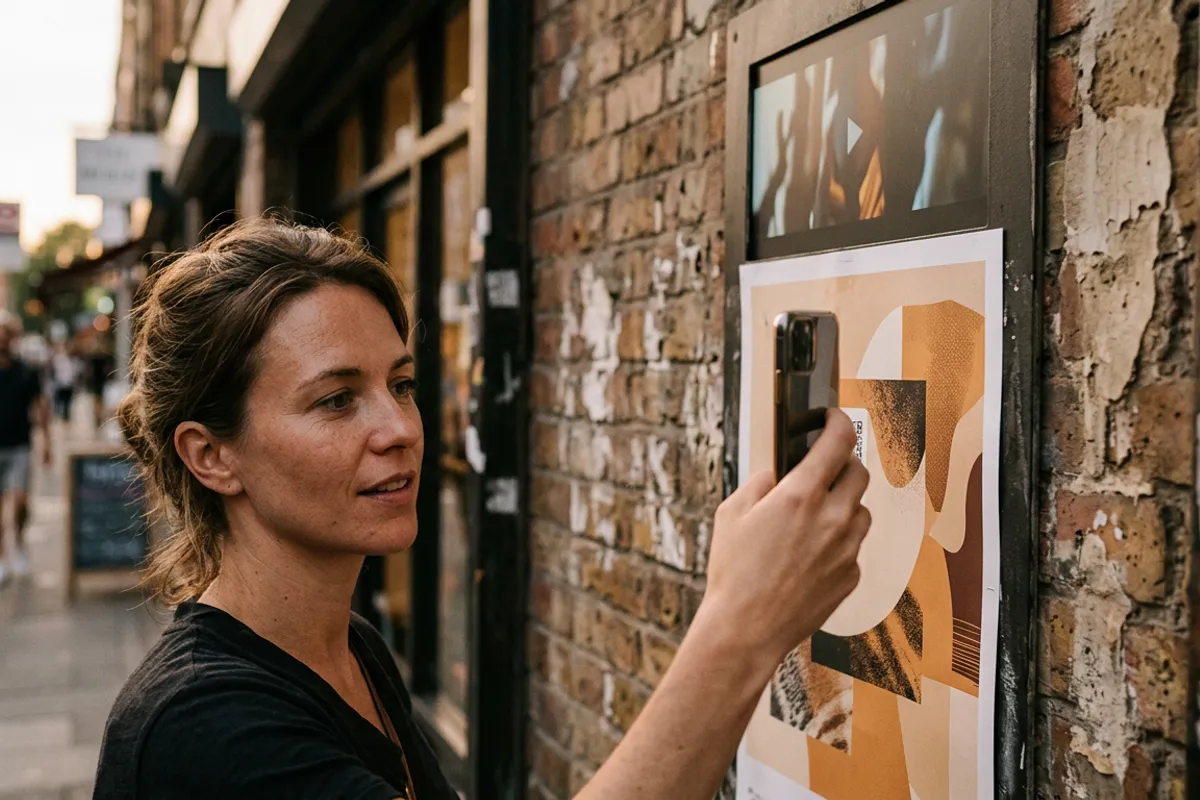
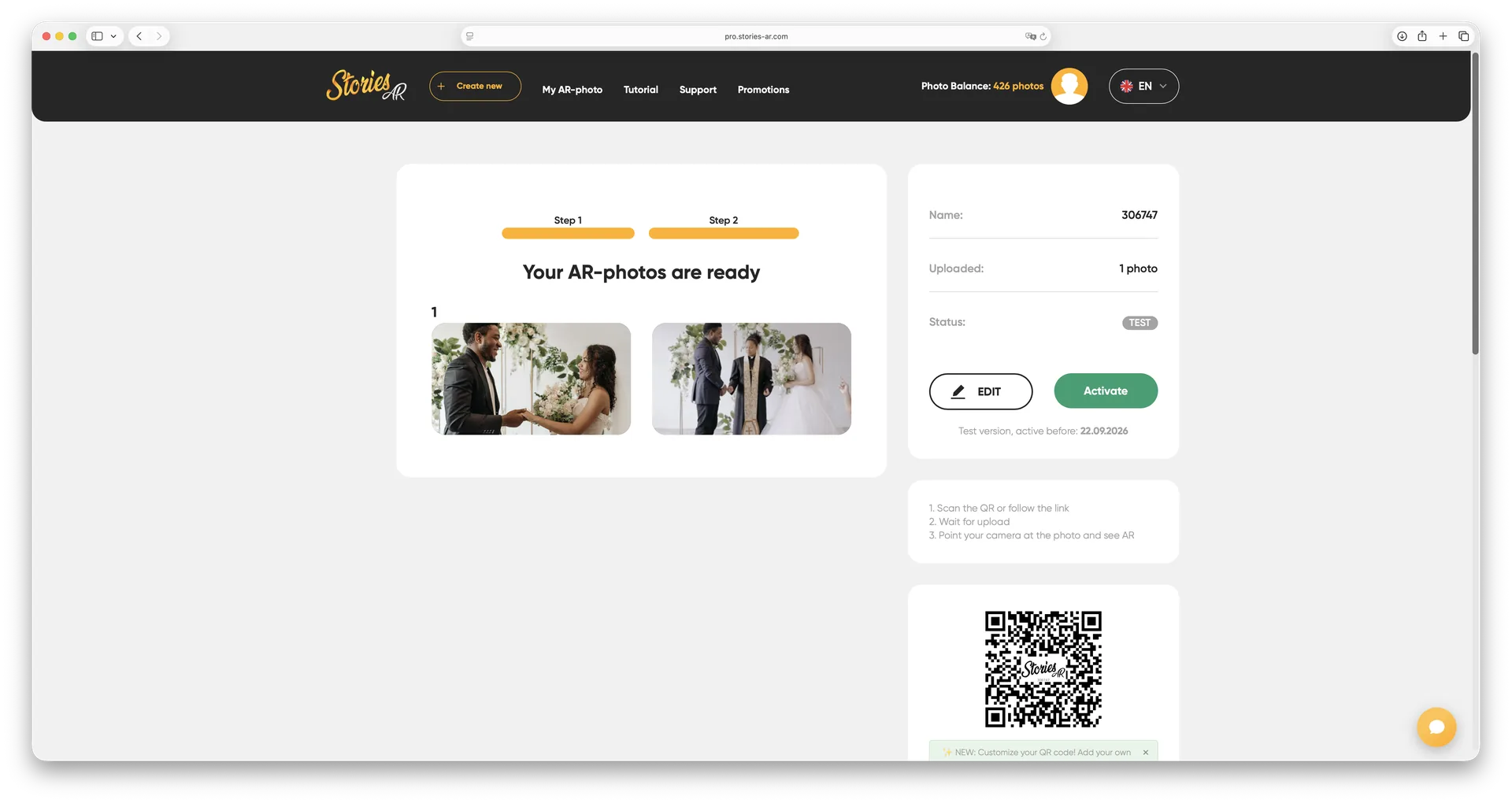
If your use case is image-to-video — photos, albums, packaging, posters, business cards — a no-code platform removes both the developers and the hosting from the bill. On Stories AR you upload a photo and a video, get a link and QR code, and the experience runs in the viewer's browser: Safari on iPhone, Chrome on Android, no app.
The pricing is public and flat: a free tier lets you create your first AR photos at no cost, and the PRO plan is $24/month billed yearly, including 20 AR photos per month. Hosting, image recognition and browser compatibility are the platform's problem, not yours. For agencies and photo labs there are white-label plans that put the AR viewer under your own brand.
Time cost is minutes, not sprints: pairing a photo and a video takes about two minutes, and the video can be swapped later without reprinting anything. More than 62 000 photographers use the platform, with 259 000+ AR photos created. You can test the end result right now on the live demo — it works straight from your screen.
Route 3: DIY with open source
Open-source libraries for browser-based AR exist, and their license price is genuinely zero. What you pay instead is engineering time — and it is substantial. You will be building image-recognition tuning, media hosting, a QR/link flow, analytics and cross-browser testing yourself, then maintaining all of it as browsers evolve.
There is no managed recognition service behind you: if tracking is jittery on a particular phone or a print finish breaks detection, debugging it is your job. For a developer who wants full control and has the hours, DIY is a legitimate route. For a business that needs a working product this quarter, the "free" route is usually the most expensive one per working AR experience.
The comparison at a glance
Here is how the three routes stack up on the dimensions that actually decide the choice:
The short version: custom SDK development buys flexibility at agency prices; no-code buys speed and predictable cost for image-based AR; open source buys control at the price of your own engineering hours.
- Upfront cost: custom SDK — high (team + license); no-code — $0 to start; open source — $0 in licenses
- Ongoing cost: custom — license, hosting, maintenance; no-code — $24/month PRO, hosting included; open source — your time + your hosting
- Time to launch: custom — weeks to months; no-code — minutes; open source — weeks
- Skills needed: custom — hired developers; no-code — none; open source — in-house engineering
- Best for: custom — bespoke 3D campaigns; no-code — photos, print, packaging, business cards; open source — developers who want full control
“In WebAR the license fee is rarely the biggest cost. Developer time, hosting and maintenance are — which is exactly what a no-code platform removes.”
— Stories AR team
See WebAR working before you budget for it
Try the live demo in your browser, then create your first AR photos on the free tier. If you need volume, PRO is $24/month with 20 AR photos included.
Start for freeFrequently asked questions
Can I get WebAR completely free?+
Yes, two ways: the Stories AR free tier covers your first AR photos with hosting included, and open-source libraries are free in licenses — but require significant engineering time to become a working product.
Why is custom WebAR development so much more expensive?+
Because you pay for developer hours, SDK licensing, hosting and ongoing maintenance across browser updates. The license itself is usually the smaller part of the bill.
What does the $24/month PRO plan include?+
20 AR photos per month, hosting, the browser-based viewer and the ability to replace any video without reprinting. White-label options for agencies are priced separately.
Do viewers ever pay or install anything?+
No. The experience opens in the phone browser from a QR code or link — Safari on iOS, Chrome on Android — and the camera feed is processed locally, with nothing recorded or uploaded.