
Event Posters That Play Video You Can Swap
Stories AR team
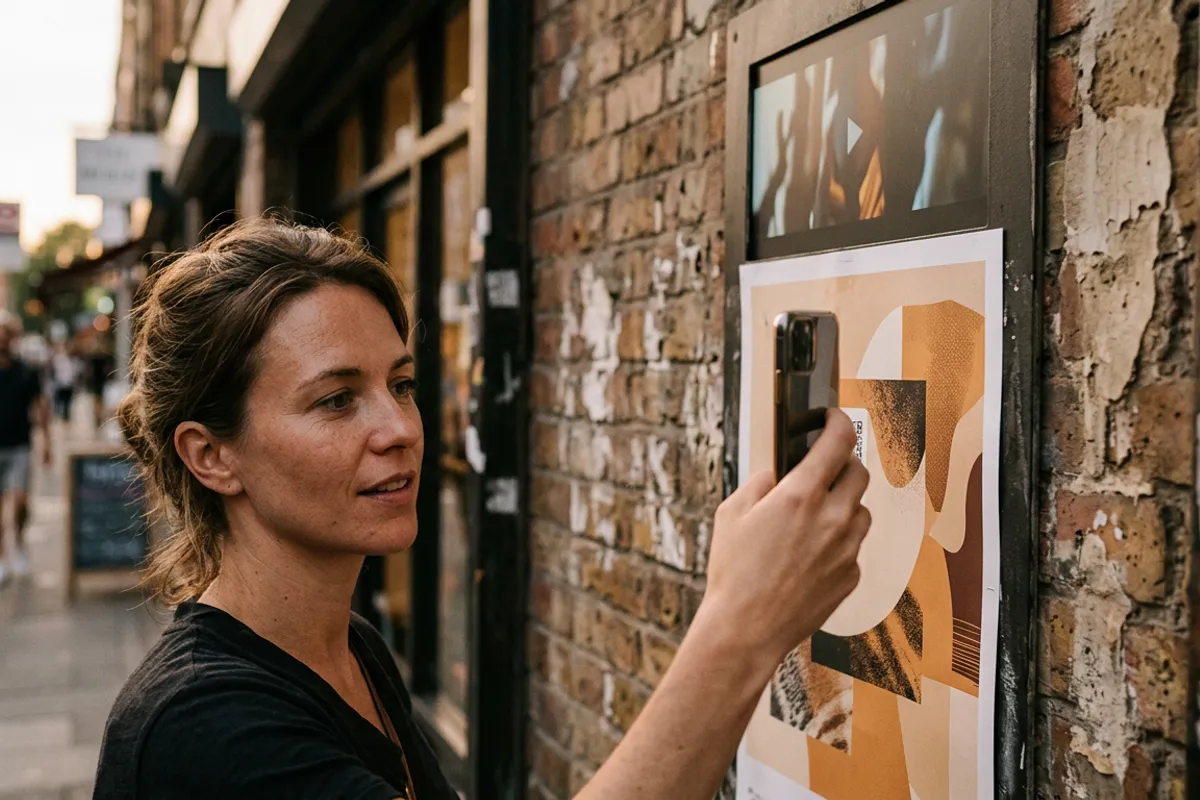
An event poster has one job: stop a passerby and make them care. A poster that starts playing the artist's trailer, the exhibition teaser or last year's aftermovie the moment someone points a phone at it does that job dramatically better than static paper. And because the video lives online while the print stays on the wall, you can change what the poster plays at every stage of the campaign — announcement, last tickets, thank-you — without printing a single new sheet.
Quick answer
An AR poster is a printed poster paired with a video in Stories AR. A viewer scans the QR code on the poster, the browser opens the camera, and the video plays anchored on top of the print — no app needed. The video can be replaced at any time, so one printed run serves the whole event cycle: teaser before, schedule during, aftermovie after.
Key takeaways
- A poster is a nearly ideal AR trigger: large, detailed, designed to be looked at from arm's length.
- The QR code and print never change — swap the video per campaign stage: teaser, lineup, last tickets, aftermovie.
- Viewers watch in the browser (Safari/Chrome), so a street audience needs zero setup.
- A tap-through button on the AR layer can lead straight to the ticket page, turning the poster into a measurable sales channel.
Why posters and AR fit each other
Most AR print products fight for trigger quality: a small glossy magnet or a minimalist business card gives computer vision little to hold onto. A poster is the opposite case. It is large, printed matte more often than not, full of faces, artwork and typography — exactly the detailed, high-contrast imagery that makes a reliable trigger image.
Trigger images work from business-card size up to posters, but size buys you comfort: a viewer can stand a step away, hold the phone naturally, and the video still locks onto the print instantly.
The context helps too. People already photograph posters of events they consider attending. A QR code with "point your camera at the poster" converts that existing gesture into a 30-second trailer view instead of a static snapshot.
What an AR poster can play
The video is whatever moves your audience at that moment:
- Concerts and festivals — the artist's trailer or a personal video invitation from the headliner.
- Exhibitions and museums — the curator's 30-second introduction or a preview of key works.
- Theatre and film — the official trailer playing right on the one-sheet.
- Conferences — speaker announcements, then the schedule, then talk highlights.
- Sports events — last season's best moments as the hype reel.
The killer feature: new video, same print
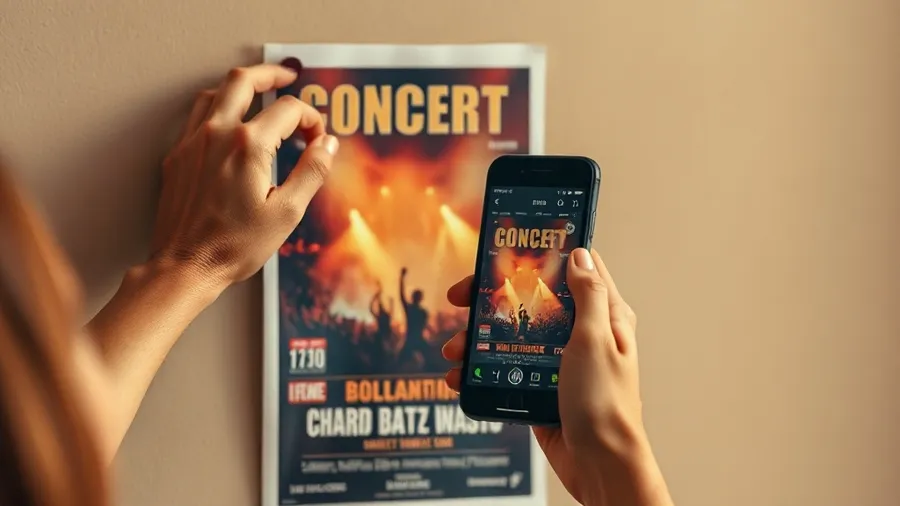
Here is what static posters can never do. In Stories AR the link and QR code are permanent; the video behind them is not. Replace the video in the dashboard and every printed poster in the city instantly plays the new content.
That turns one print run into a campaign timeline. Before the announcement, the poster plays a cryptic teaser. When the lineup drops, it plays artist videos. In the final week, a "last tickets" message. After the event, the poster — still hanging in the venue and around town — plays the aftermovie and promotes the next date.
For recurring events this compounds: a venue's permanent poster frame can keep the same beautiful print for a season while the video rotates with every show. No reprint budget, no waste, no waiting on the print shop.
How to produce one, step by step
The production flow adds minutes, not days, to your poster workflow:
- Design the poster as usual. Favor detailed artwork; avoid large flat color fields, repeating patterns and heavy gloss lamination.
- Reserve a corner for the QR code with a short instruction: "Scan and point at the poster".
- Upload the poster image and the video at pro.stories-ar.com — you get the link and QR code in about two minutes.
- In the built-in editor, trim the video and add a call-to-action button on top of the AR layer — one tap to the ticket page.
- Test the printed proof with a phone before the full run, then print.
Measuring it and rolling it out
Unlike a static poster, an AR poster reports back. Scan analytics in the dashboard show how many people scanned each poster and watched the video — so you can compare locations, formats and creative variants with real numbers instead of guesses, and justify the poster budget to whoever signs it.
Cost stays small relative to any event budget: the PRO plan is $24/month billed yearly and includes 20 AR photos per month — enough for a poster series plus AR pictures inside the venue: wall art, sponsor panels, photo zones that play video. The first AR photos are free, so you can prototype the whole idea before committing.
Start with one poster for your next event. Print a single proof, scan it yourself, watch the print turn into a screen — or try the effect right now on the demo page before you design anything.
Make your next poster play video
Upload the poster artwork and a trailer at pro.stories-ar.com — first AR photos are free, and you can swap the video at every stage of the event.
Start for freeFrequently asked questions
Do event visitors need an app to see the poster play?+
No. They scan the QR code and the video plays in the phone browser — Safari on iOS, Chrome on Android.
Can I change the video after the posters are printed?+
Yes, at any time. Replace the video in the dashboard and every printed poster immediately plays the new content — the QR code stays the same.
What poster designs work best as triggers?+
Detailed artwork with faces, photos and rich typography. Avoid large flat color areas, repeating patterns and heavy gloss lamination.
Does it work on a digital screen version of the poster?+
Yes — trigger recognition works from screens too, so the same AR layer runs on your digital signage and social media versions.