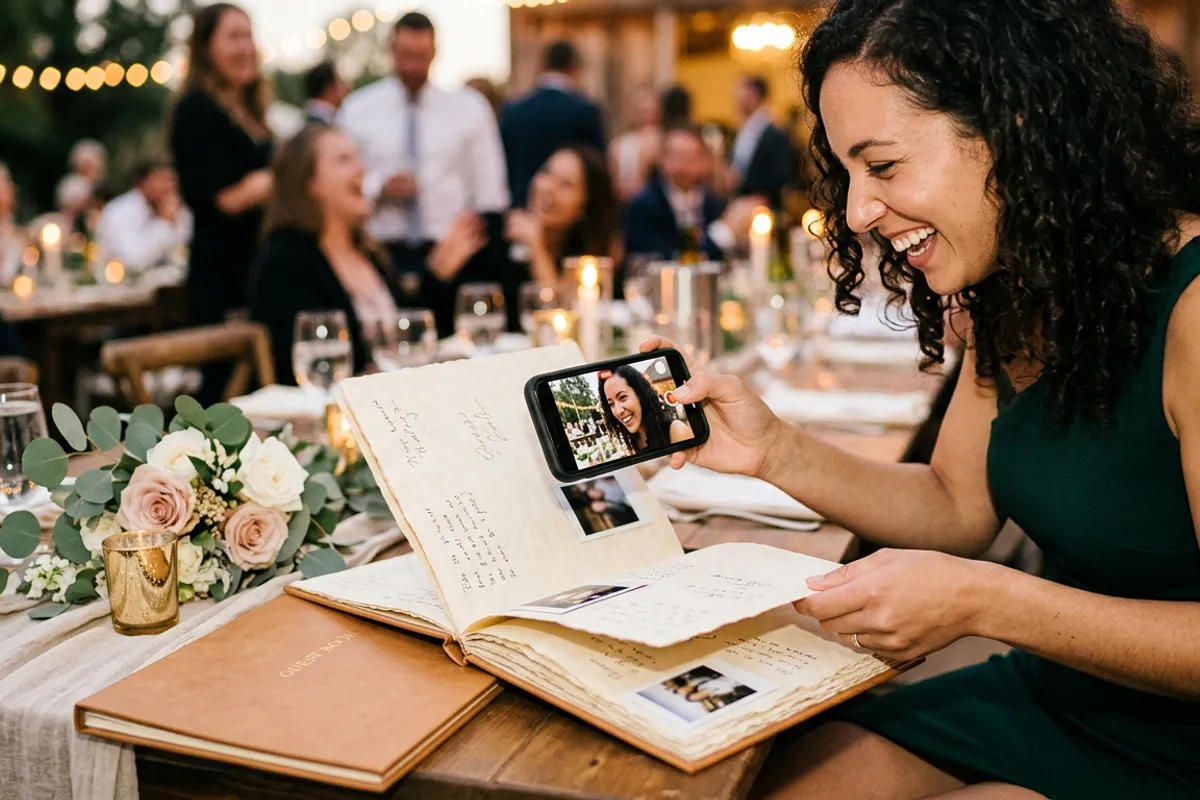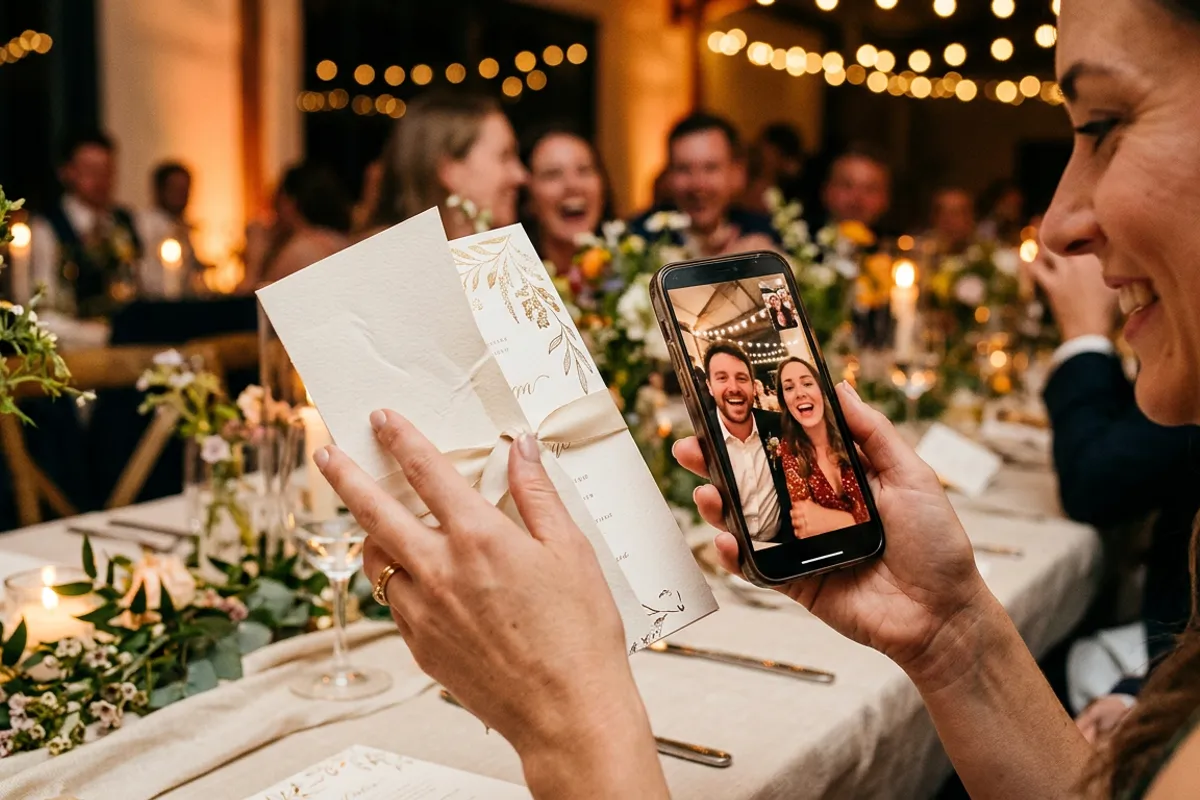
Memorial Living Photos: Keeping a Voice Behind a Print
Stories AR team
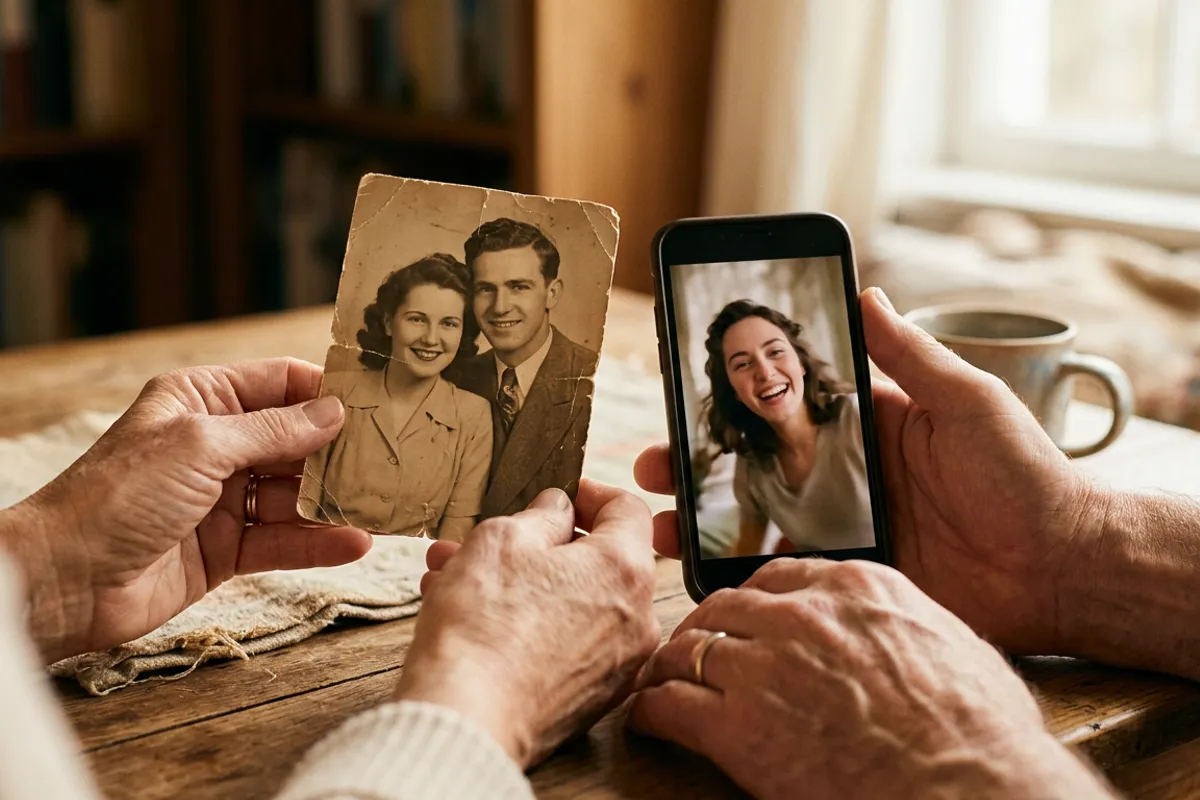
Most families have hours of video of a person they have lost — birthday toasts, kitchen conversations, a laugh caught by accident — and one framed portrait on a shelf. A memorial living photo connects the two: the printed portrait stays exactly as it is, and when someone chooses to point a phone camera at it, a short video plays — the voice, the gesture, the way they spoke. This article explains the mechanics plainly, and what is worth deciding before you make one.
Quick answer
A memorial living photo is a printed portrait paired with a short video of the person, made in the Stories AR dashboard: upload the photo and the video, and you receive a permanent link and QR code. Anyone the family shares it with can point their phone camera at the print and see the video play in the browser — no app needed. The print itself stays an ordinary photograph; the video appears only when someone deliberately scans it.
Key takeaways
- The printed photo remains a normal photograph — the video plays only when someone chooses to scan and point a camera at it.
- Any existing footage works: an old phone video, a toast, a voice message paired with a portrait.
- The link and QR code are permanent, and the video can be changed later without reprinting.
- The camera feed is processed locally in the browser; nothing is recorded or uploaded.
- Families often keep the QR code on the back of the frame rather than the front — visible to those who know, invisible otherwise.
Why families make these
Photographs hold a face. They do not hold a voice, and voice is often what fades first from memory. A short clip — even twenty seconds of someone talking over dinner — preserves the pitch, the accent, the pauses, the laugh. That is what a living photo adds to a portrait: not a replacement for memory, but a small, durable anchor for it.
The format is also unhurried by design. Unlike a video file in a cloud folder, which asks to be searched for, the print sits quietly in its frame. The video plays only when someone decides to see it — on an anniversary, when telling a grandchild about them, or on an ordinary evening. The choice always belongs to the viewer.
For photographers, this is a service families ask about rather than one to advertise loudly. It belongs in a portfolio conversation, offered once and gently, not in a promotion.
What you need: one photo, one piece of footage
The photo is usually already chosen — the portrait the family prints or has printed. Any detailed photograph works as a trigger; portraits are naturally strong because faces carry detail. Matte print finishes track better than glossy ones.
The video can be anything the family has: a clip from a birthday, a fragment of a home video, a phone recording of them telling a story. It does not need to match the portrait's frame — for memorial photos the 'waking up' effect matters far less than the content itself. Ten to sixty seconds is enough.
If the family has audio only — a saved voice message, for example — it can be combined with the portrait into a simple video first. What matters is choosing a fragment the family is at peace with hearing again.
Setting it up, step by step
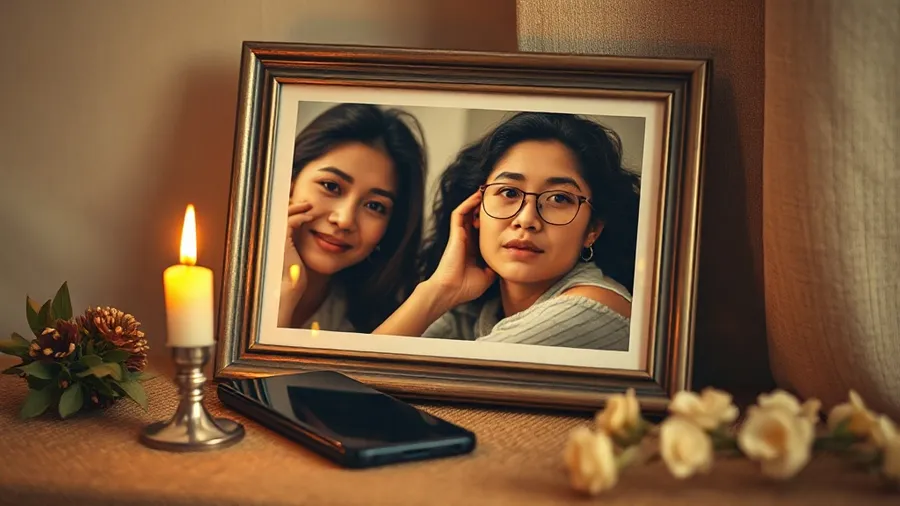
The mechanics are the same as any AR photo. Upload the portrait and the video at pro.stories-ar.com; the pair gets a permanent link and a QR code. The built-in editor trims the clip if needed.
Print or order the portrait as usual — nothing about the print changes. The QR code can go on the back of the frame, inside a memorial album, or on a small card kept with the photo. Many families prefer the back of the frame: those who know, know; to everyone else it is simply a photograph.
To view, someone scans the QR code once; the browser opens the camera, and pointing it at the portrait plays the video anchored to the print. It works in Safari on iOS and Chrome on Android, with no app — which matters, because the people who most want this are often the least technical. The camera feed is processed locally in the browser and is never recorded or uploaded.
The same pairing works in other quiet formats: a page in a family album, or a framed print — the AR photo frame page covers that variant.
Decisions worth making beforehand
Choose the fragment together. A clip that comforts one family member can be heavy for another; agreeing on it beforehand spares difficult surprises. Shorter and everyday tends to sit better over the years than long and ceremonial.
Decide who holds the account. The link and QR code are permanent, but the video can be replaced at any time — some families later swap in a different clip, or add one. It helps if one person is the keeper of the login.
Decide how visible to make it. A QR code on the front of a frame invites every guest to scan; on the back, it stays private to the family. For a memorial service, some families print small cards with the photo and code so relatives can take one home — each card plays the same video, and every copy of the same print works.
Cost, plainly
The first AR photos on Stories AR are free — a single memorial photo costs nothing to make and try. The PRO plan, at $24 per month billed yearly with 20 AR photos monthly, is relevant for photographers offering this as a service, not for a family making one photo.
There is no fee per scan and no expiry tied to viewing: the same print can be scanned for years. If a family later reprints the portrait — a new frame, a copy for a sibling — every copy of the same photo plays the same video without any changes in the dashboard.
Make one, quietly, in your own time
Upload a portrait and a short video at pro.stories-ar.com — the first AR photos are free, and nothing about the printed photo changes.
Start for freeFrequently asked questions
Does the video play every time someone looks at the photo?+
No. The print is an ordinary photograph. The video plays only when someone deliberately scans the QR code and points a phone camera at it.
Can we change the video later?+
Yes. The video can be replaced in the dashboard at any time; the printed photo and QR code stay the same.
What if we only have an audio recording, not a video?+
Combine the audio with the portrait into a simple video file first, then upload that. The result plays the voice over the photo.
Do relatives need an app or an account to view it?+
No. Scanning the QR code opens the camera in the phone browser — Safari or Chrome — and the video plays there. Only the person managing the photo needs an account.