Invitations That Play a Personal Video Message
Stories AR team
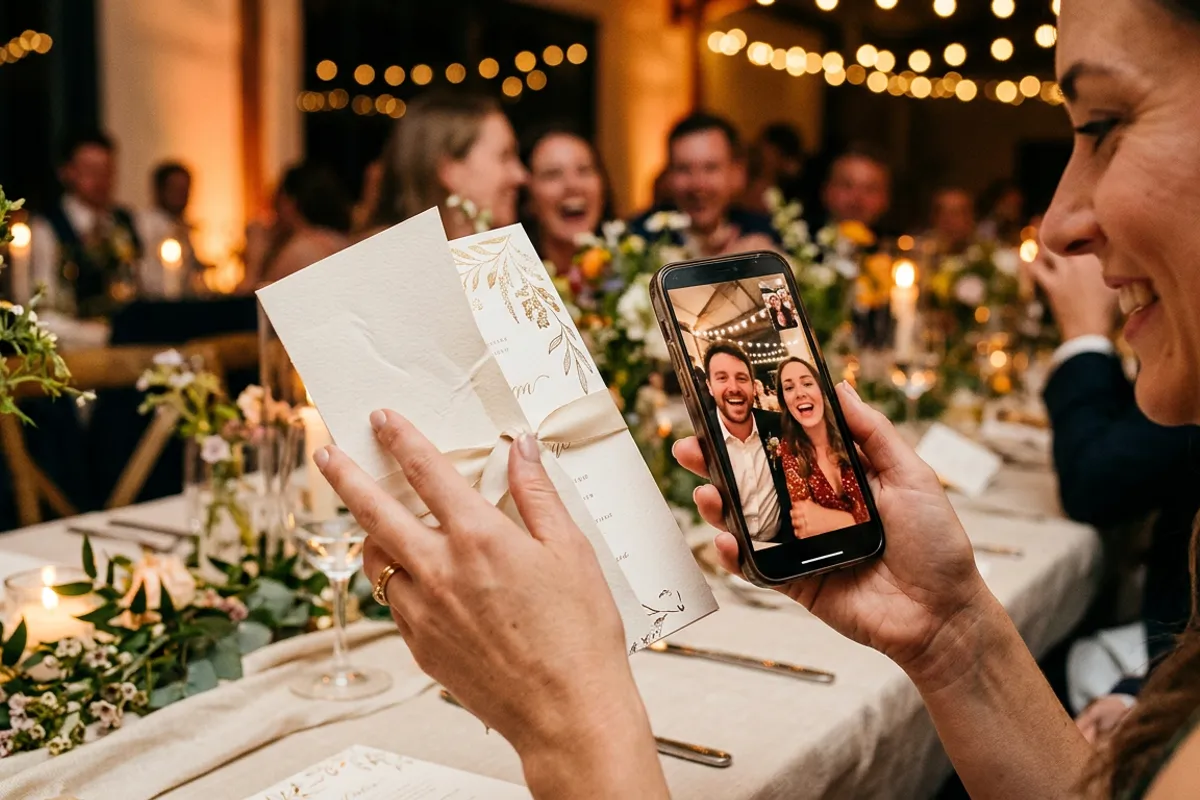
A printed invitation gets thirty seconds of attention before it lands on the fridge or in a drawer. An invitation that plays a personal video — the couple inviting you by name, the birthday kid announcing the party, the CEO opening the company anniversary — gets shown to the whole household and screenshotted into the family chat. AR video invitations are one of the simplest living-print products to make, because you control both the print and the video, and every guest already has the only device required: a phone with a browser.
Quick answer
An AR video invitation is a printed invite paired with a video in Stories AR. The guest scans the QR code on the card, the browser opens the camera, and the invitation plays a personal video message on top of the print — no app needed, works in Safari and Chrome. One video can serve the whole print run, and it can be replaced anytime, so the same card can later play directions, a schedule or a thank-you message.
Key takeaways
- The printed card is the trigger: guests scan one QR code and the video plays anchored on the invitation itself.
- One photo-video pair covers the entire print run — 10 or 200 cards cost the same one AR photo.
- The video can be swapped after sending: teaser first, then schedule and directions, then a thank-you after the event.
- Guests need no app — the whole experience runs in the phone browser.
Why a video invitation beats a beautiful static one
Stationery design has been squeezed dry: fine paper, letterpress, wax seals. All of it competes on the same axis — how the object looks. A video layer competes on a different axis entirely: what the object says.
A wedding invitation that plays the couple laughing and saying "we want you there" carries tone no typography can. A children's birthday card where the kid personally yells the party details gets replayed by every grandparent. A corporate anniversary invite where the founder speaks for twenty seconds sets the event's tone before anyone books a calendar slot.
There's a practical layer too: video holds information that clutters print. Dress code explanations, gift wishes, venue directions — say them in the video and keep the printed card clean.
How guests experience it
The guest flow has three steps and no installations. They see a QR code on the card with a short prompt — "scan me and point the camera at the invitation". The phone's browser opens with the camera view. They point it at the card, and the video plays anchored on top of the print, matching its position in space.
Everything runs in the browser — Safari on iOS, Chrome on Android — using the same mechanism described on the QR code video page. The camera feed is processed locally on the device; nothing is recorded or uploaded, which is worth mentioning to privacy-minded guests.
Guests who can't or won't point the camera still aren't lost: the same link simply plays the video in the browser. Either way, the message arrives.
Producing the invitation, step by step
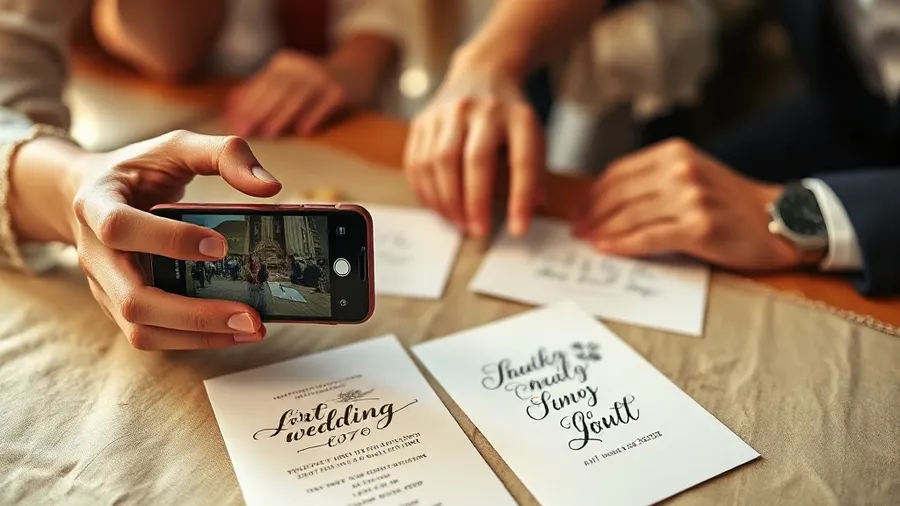
The full production cycle fits into an afternoon:
- Shoot the video: 20–40 seconds, phone camera is fine. Best trick — start the video posed exactly like the photo you'll print, so the card appears to come alive.
- Take the matching photo, or export the video's first frame as the print image.
- Design the card around that photo. Keep the image detailed — faces work great as triggers; avoid flat pastel fields covering most of the card and heavy gloss lamination.
- Upload the pair at pro.stories-ar.com, trim the video in the built-in editor, download the QR code.
- Place the QR code on the card with a one-line prompt, print a single proof, test the scan on iPhone and Android, then print the run.
One card, several messages over time
The QR code and the printed card never change — the video behind them can. That turns a static invitation into a channel that stays open through the whole event cycle.
Send the cards with the personal invitation video. Two weeks before the date, replace it with logistics: schedule, parking, dress code. The day after, swap in a thank-you clip or the event highlights — guests who kept the card on the fridge scan it again and get a finale. One print run, three messages, zero reprints.
For photographers and stationery designers this is also a service product: offer AR invitations as a package — shoot the couple's video at the engagement session, design the card, deliver the working QR code. Since one AR photo serves the whole run, even the free first photos cover a pilot client, and the PRO plan at $24/month billed yearly includes 20 AR photos monthly — twenty separate invitation projects.
Where it works best
Weddings are the obvious case, but the format stretches further: milestone birthdays and anniversaries, graduation parties, baby showers with an announcement video, corporate events and product launches where the invitation plays a teaser, New Year cards from a company where the team says thanks in video.
The common thread: any event where the invitation itself is part of the impression. If you want to see the effect before shooting your own video, open the demo and point your camera at the demo photo — that ten-second experience is exactly what your guests will get, and it is the fastest way to decide whether your event deserves it.
Make an invitation that speaks
Upload the card design and a 30-second video at pro.stories-ar.com — first AR photos are free, and one pair covers your whole print run.
Start for freeFrequently asked questions
Do guests need to install an app?+
No. The QR code opens the phone browser, and the video plays right on top of the printed card — Safari on iOS, Chrome on Android.
Do I need a separate AR photo for every printed card?+
No — one photo-video pair covers the entire identical print run. All cards share the same trigger image and QR code.
Can the video be changed after the invitations are sent?+
Yes, anytime. Replace it in the dashboard and every card plays the new video — handy for schedules, directions and post-event thank-yous.
What if a guest scans but doesn't point the camera at the card?+
The link still plays the video in the browser as a regular clip, so the message reaches every guest regardless.