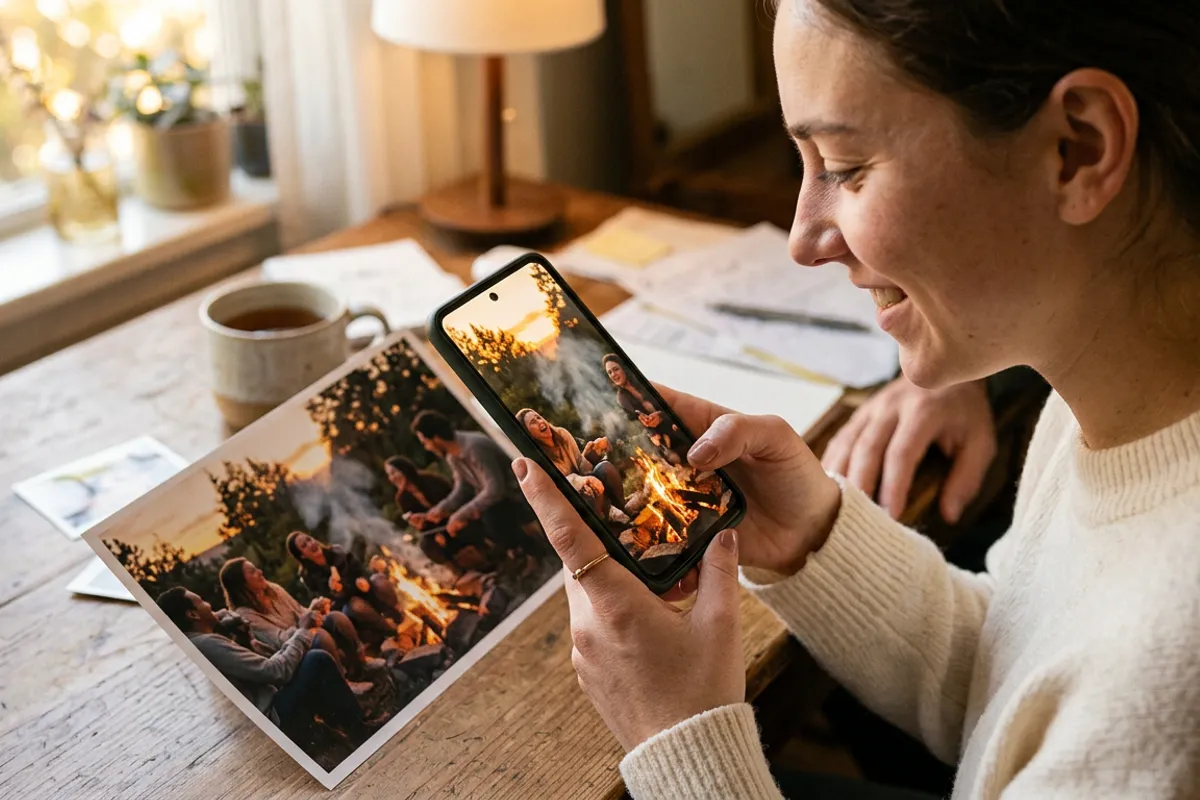
School Photo Season: How to Prep With AR Photos
Stories AR team
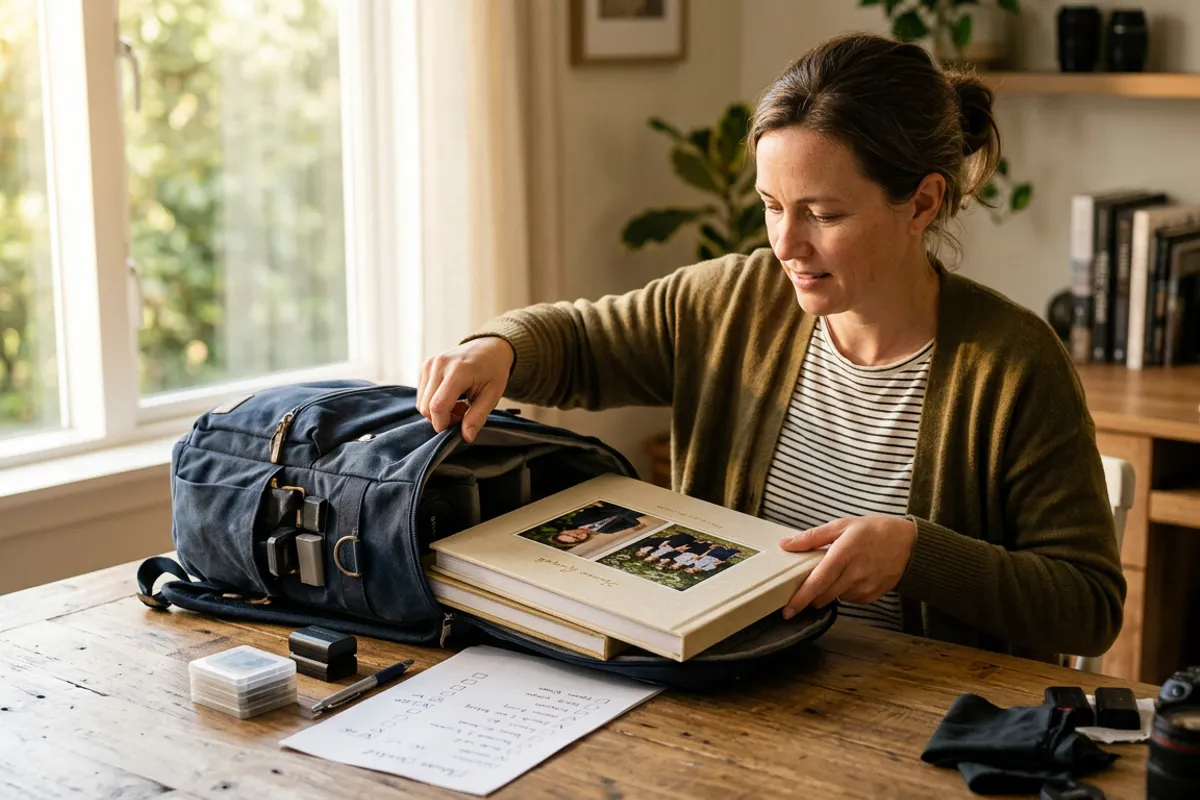
September decides a school photographer's whole year: the schools you sign now are the albums, portraits and repeat orders you deliver until summer. The problem is that every photographer pitching a school in late August shows the same portfolio. AR photos — prints that play video when a phone is pointed at them — are a differentiator a school administrator has usually never seen. Here is how to build them into your season prep, from the pitch to photo-day workflow to delivery.
Quick answer
Prepare a scannable AR demo print before pitching schools: administrators respond to a live scan far better than to a portfolio. On photo day, capture 10–15 seconds of video per child alongside the stills. Then upload photo+video pairs to Stories AR in batch, add QR codes to the layouts, and deliver prints that play — same print run, new product tier.
Key takeaways
- Pitch season is August–September: come to the meeting with a demo print the administrator can scan, not a brochure.
- AR photos are the differentiator: the physical product and price structure look familiar, the living layer does not.
- Photo-day change is small — add 10–15 seconds of video per child to your existing station flow.
- Batch upload pairs hundreds of photos and videos in one go, so AR prep scales to whole schools.
- Parents can keep the memory current: the video behind a print can be replaced without reprinting.
Why September is won in August
School contracts are decided before the first bell. Administrators pick their photographer in late August and early September, and whoever wins photo day usually also gets class photos through the year and the album season in spring. One signed school can anchor months of work.
That is why the pitch matters more than the shoot. And the pitch problem is sameness: every candidate shows sharp portraits and a price sheet. The administrator has no way to tell you apart — except price, which is a race down.
AR photos break the sameness. A class photo that starts playing video — kids waving, laughing, shouting a greeting to their parents — is something the administrator has not seen from the other candidates. You are no longer competing on price; you are the only one offering that product.
The pitch: bring a print, not a presentation
Prepare one demo print with a QR code before your first school meeting. In the meeting, hand it over and ask the administrator to scan it with their own phone: the browser opens the camera, they point it at the print, and the photo comes alive. No app, no setup — the demo takes 30 seconds and works on any phone.
Then explain the parent side in one sentence: parents order prints as usual, and each print can play a short video of their child from photo day. The school does nothing technical — you handle uploads, QR codes and layouts.
Frame AR as your premium tier, not a replacement: standard packages stay as they are, living photos come on top. Schools like offers that add options without adding risk. For the spring conversation, the same platform powers the graduation photo album — mention it in the pitch so the school sees the full-year arc.
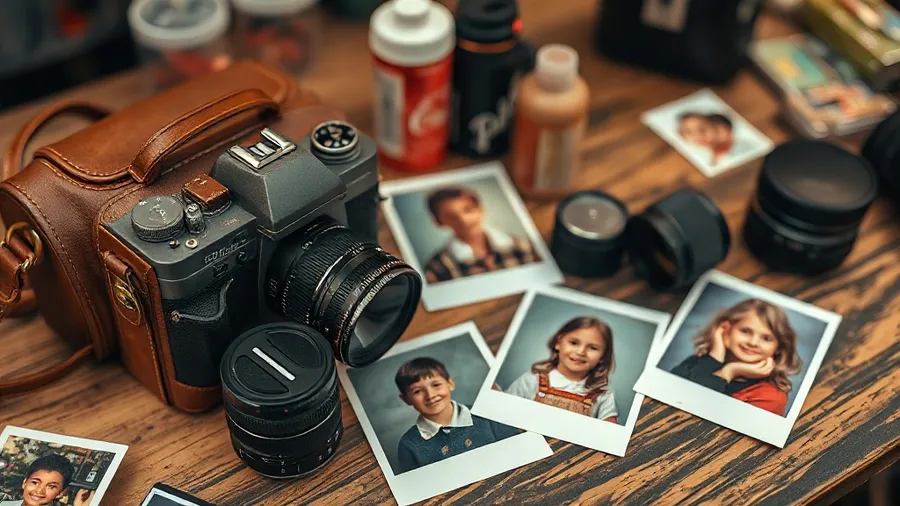
Photo day: the 15-second video habit
The workflow change on photo day is smaller than it sounds. After you take a child's stills, keep the camera rolling for 10–15 seconds: a wave, a spin, "hi mom!", a laugh. One take is enough — authenticity beats polish here.
Practical rules that save you in editing:
- Shoot the video from the same framing as the chosen still, so the print appears to wake up.
- Record sound — a child's voice is what makes parents order.
- Name files by class list order right away; pairing hundreds of photos and videos later depends on it.
- For group photos, shoot one 20-second class video: everyone waves, the class shouts something together.
From upload to delivery: the timeline
After the shoot, the AR step is batch work, not per-child craft. Upload photo+video pairs at pro.stories-ar.com in one go — the platform pairs them and generates a QR code per photo. Add each QR code to the print layout and send the run to your lab as usual.
A realistic timeline: pitch and contract in late August; photo day in September; culling and video trims the following week; batch upload and QR layouts in a day or two; print and delivery within your normal lab turnaround. AR adds days, not weeks.
Costs stay predictable: the PRO plan at $24/month billed yearly includes 20 AR photos per month, and larger volumes are a plan question rather than a per-print fee. Class group photos are efficient — one AR photo serves every printed copy for the whole class. The same batch pipeline later powers spring products like the AR photo book.
What parents get — and why they reorder
For parents, the pitch is one line: this year's school photo also keeps your child's voice. A first-grader saying "hi mom" from a printed portrait is a product that sells itself at pickup time.
Two properties earn reorders. First, no app: grandparents scan a QR code and it plays in the browser. Second, the video behind a print can be replaced anytime without reprinting — the same framed photo can carry a new message next year.
Deliver each order with a small "how to scan" card. The first successful scan at home is your marketing for the spring album season.
Get your demo print ready before the pitch
Upload a photo and a video — your scannable school-pitch demo is ready in about two minutes. First AR photos are free.
Start for freeFrequently asked questions
Does the school need any technology or app?+
No. Parents and teachers scan a QR code and the photo plays in the phone browser. The photographer handles all uploads and layouts.
How much extra time does AR add to photo day?+
About 10–15 seconds per child for the video take. The class group video is one 20-second take for the whole class.
How do I handle hundreds of children efficiently?+
Batch upload: drop all photo+video pairs at once and the platform pairs them and generates QR codes. Consistent file naming on photo day is the key prep step.
Is this the same as a graduation album?+
Same technology, different season. This is photo-day and start-of-year products; the graduation album is the spring flagship built on the same AR workflow.