How to Make a Talking Photo Gift for the Holidays
Stories AR team
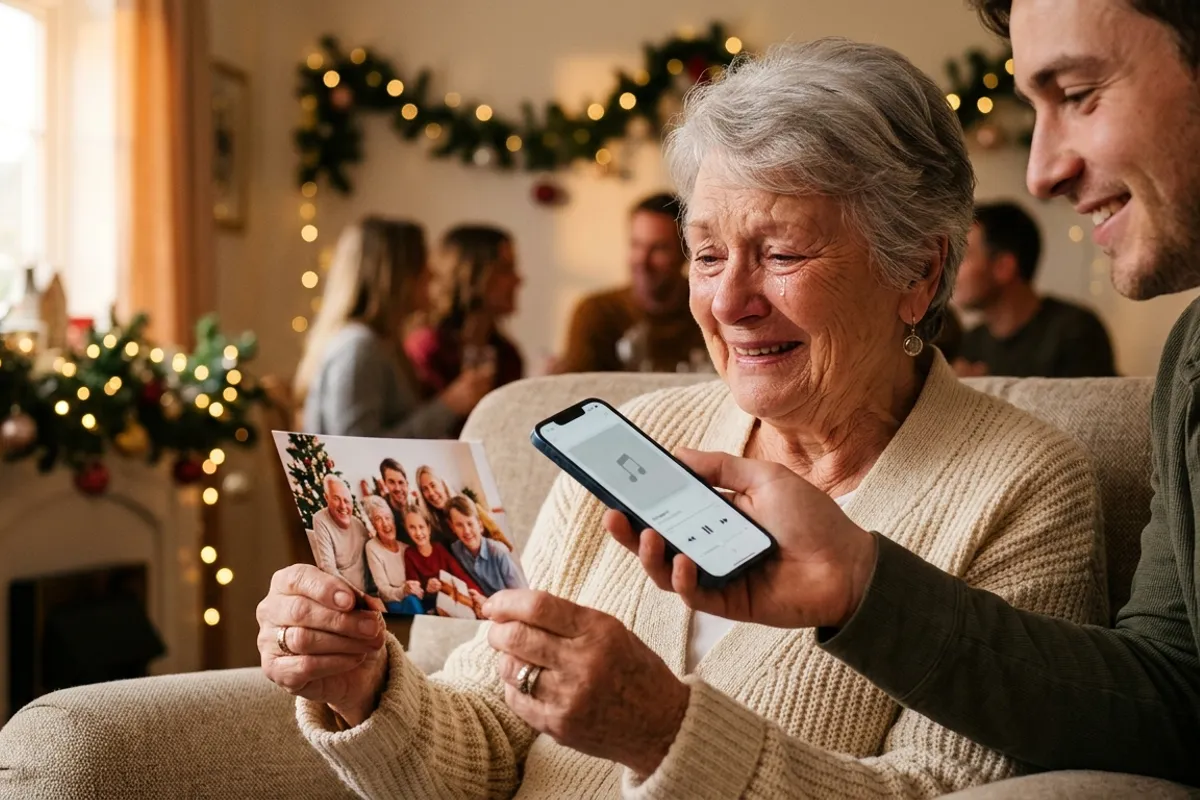
A talking photo is a printed picture that speaks: the recipient scans a QR code, points the phone at the print, and the person in the photo starts moving and saying a greeting right on top of the paper. For a New Year gift it beats almost anything you can buy, because the content is you — your face, your voice, your words. Here is the full step-by-step, from recording the greeting to wrapping the print, using the Stories AR free tier. No app for the recipient, no technical skills for you.
Quick answer
Record a short video greeting on your phone, take a photo that matches its first frame, and upload both to pro.stories-ar.com — you get a QR code. Print the photo, add the QR, and gift it. When the recipient scans the code, the phone browser opens the camera and the printed photo starts speaking your greeting. The first AR photos are free, so a single gift costs you only the printing.
Key takeaways
- A talking photo = a printed photo + a video greeting behind a QR code; the print plays the video in the phone browser, no app.
- You need only a phone: record the greeting, screenshot or export the first frame as the photo, upload both files.
- The free tier covers your first AR photos — a single gift costs only the print itself.
- It hits hardest with grandparents and long-distance family: they keep the object, and the object speaks with your voice.
- The QR code is permanent — record a new greeting next year and the same framed photo plays it.
Why a talking photo works as a gift
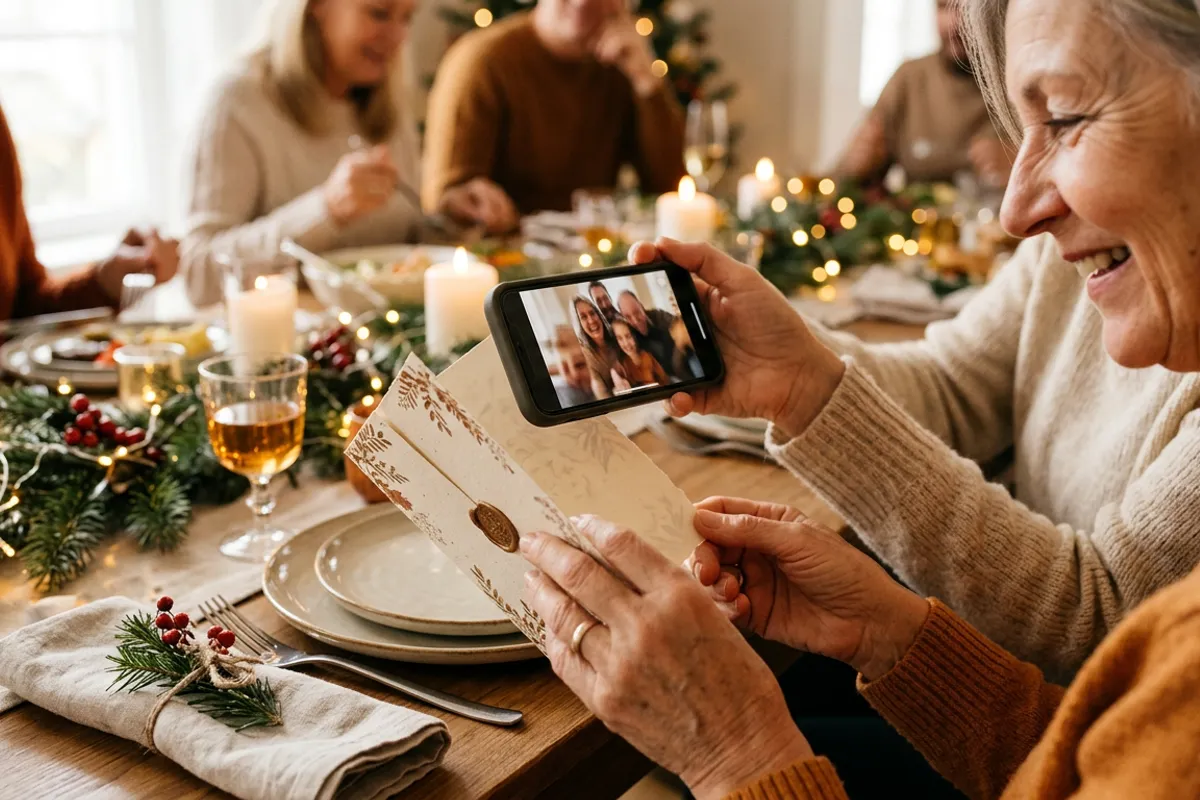
Most gifts are things; this one is a moment that stays on the shelf. Grandparents who live far away get a framed photo they can hear whenever they want. A partner gets your voice inside an object, not a message that scrolls away. Kids' greetings to relatives become keepsakes instead of chat clips that vanish into the archive.
Technically it is a live photo print: the printed image is the trigger, the video is anchored to it, and the whole thing runs in Safari on iOS or Chrome on Android. The camera feed is processed locally in the browser — nothing is recorded or uploaded while viewing.
Step 1 — record the greeting
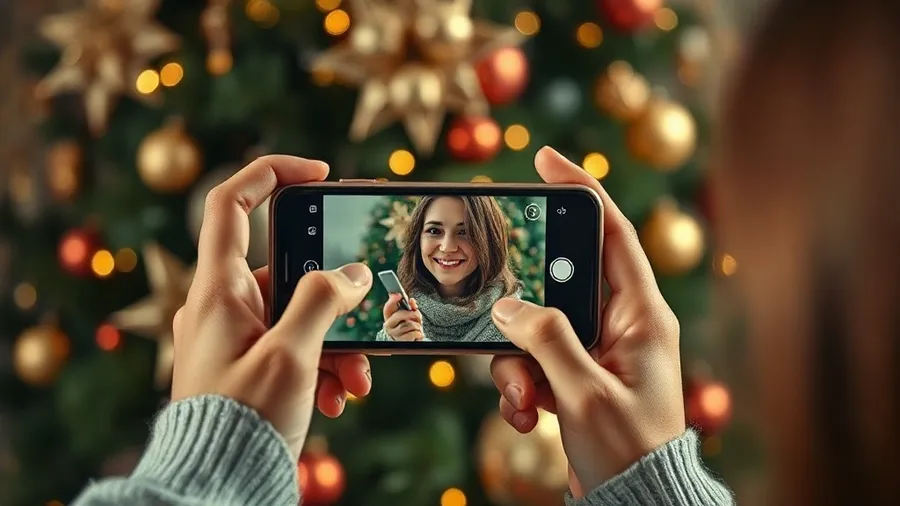
Prop your phone on a shelf or ask someone to hold it steady. Look into the lens, stand still for two seconds, then start talking. Fifteen to forty seconds is the sweet spot: long enough for a real message, short enough to load instantly and loop nicely.
What to say: skip generic wishes and go personal — an inside joke, a thank-you for the year, a promise for the next one, the grandkids shouting "Happy New Year, Grandpa!" in chorus. Record in a quiet room; the voice is the gift.
The two-second still start matters: the frozen opening becomes your printed photo, so the print appears to wake up and speak.
Step 2 — get the photo from the video
The cleanest route: export or screenshot the very first frame of your video — that guarantees a perfect match between print and playback. Alternatively, take a separate photo right before recording, from the same position and pose.
One quality note: the photo is what the camera recognizes. A well-lit portrait with normal detail works great; avoid heavy filters, near-white backgrounds filling the frame, and glossy photo paper with strong glare.
Step 3 — upload, pair, download the QR
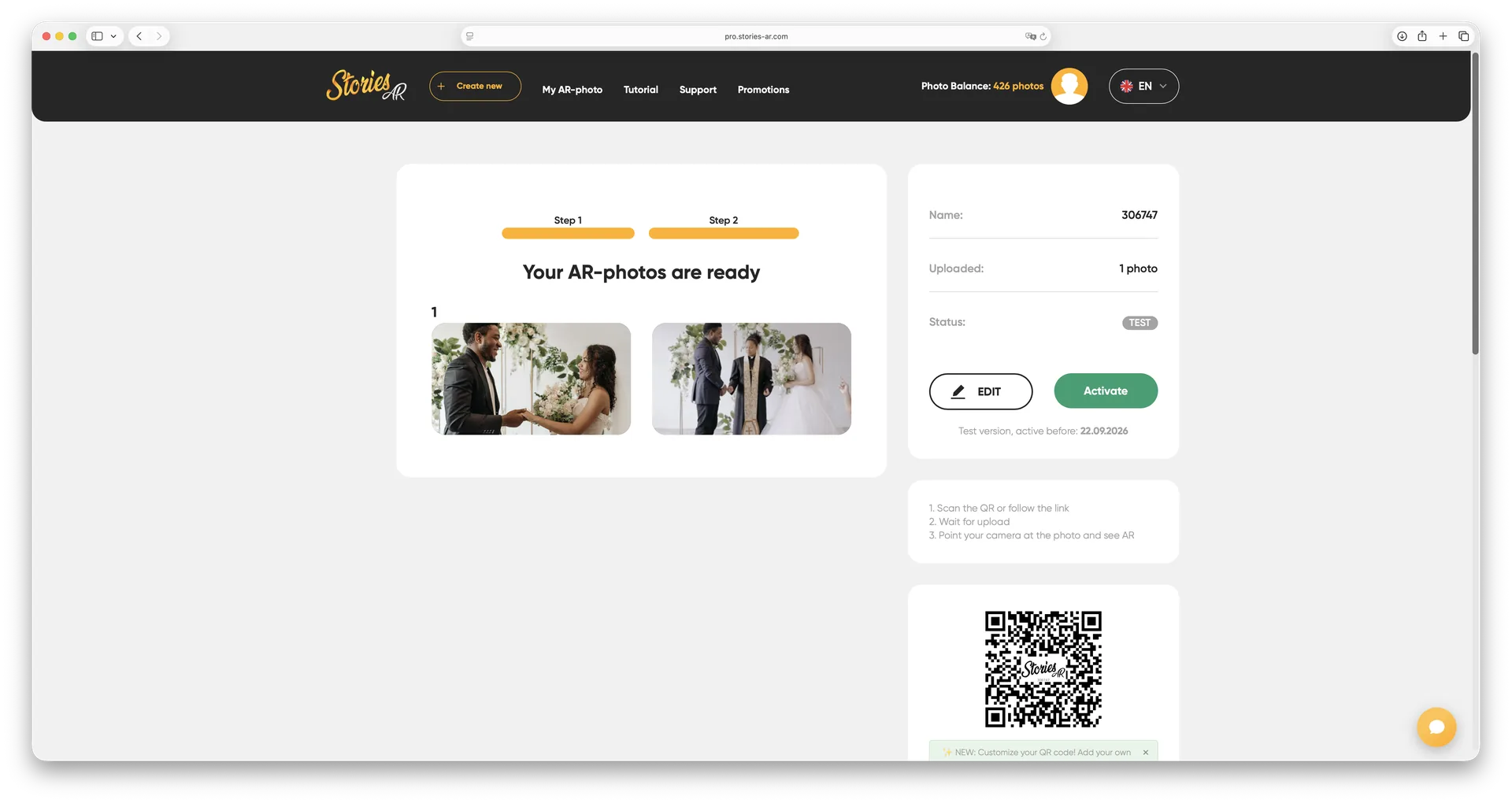
Sign up at pro.stories-ar.com — the free tier includes your first AR photos, no payment needed for a gift or two. Click create, upload the photo and the video, and pair them. The built-in editor lets you trim the clip and pick the exact marker frame if your files don't start in sync.
In a minute you get a short link and a QR code. Download the QR — this small square is what turns your print into a talking one. Before printing, test it yourself: scan the code with your phone, point the camera at the photo on your computer screen — screens work as triggers too — and check that the greeting plays.
Step 4 — print, place the QR, wrap it
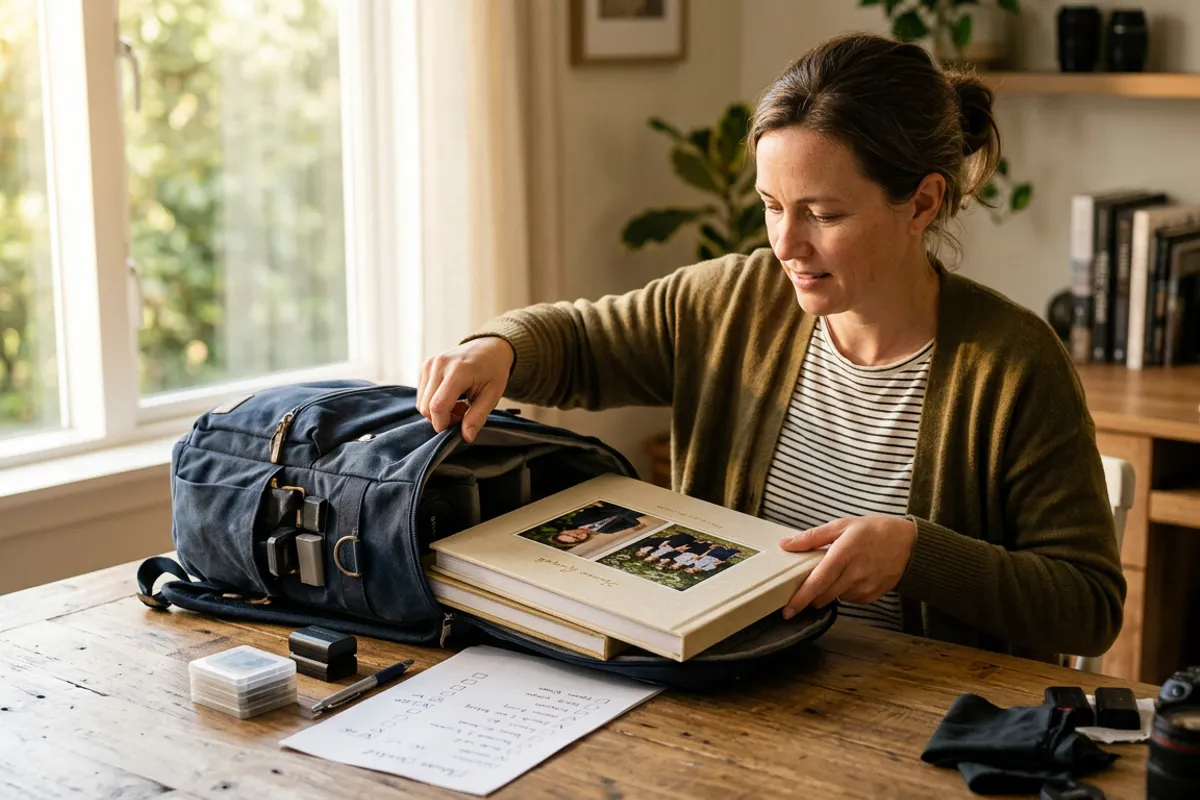
Print the photo at any photo lab or on a home printer — sizes from postcard to poster all work as triggers. Three ways to attach the QR: print it in a corner of the photo layout, print it on a small card tucked into the frame's edge, or place it on the back with a one-line instruction: "Scan me, then point the camera at the photo."
A frame elevates the gift — this is a print meant for the shelf. For long-distance family you can even go fully remote: order the print from an online lab delivered straight to their city, and send the QR image separately.
And the quiet superpower: the QR is permanent. Next New Year, record a fresh greeting and replace the video in the dashboard — the same framed photo on the same shelf speaks the new one. See a live example on the demo page before you start.
Who to make one for
The strongest reactions come from people who miss your voice more than they need another object: grandparents, parents in another city, a partner working away, close friends abroad. Families with small children have a natural angle — kids grow between every New Year, and a talking photo freezes both the face and the voice of this exact winter.
If you get hooked, the same mechanics scale beyond gifts: photographers sell talking portraits and living albums as premium products — more than 62 000 of them already use the platform, with 259 000+ AR photos created.
Make a photo that speaks
Record a greeting, upload it with a photo — get a QR code for your New Year gift in about two minutes. First AR photos are free.
Start for freeFrequently asked questions
Does the person receiving the gift need to install anything?+
No. They scan the QR code, the phone browser opens the camera, and the printed photo plays the greeting. Works in Safari on iOS and Chrome on Android.
How much does one talking photo gift cost?+
The first AR photos on the Stories AR free tier are free, so you pay only for printing. The PRO plan at $24/month billed yearly is for volume — 20 AR photos per month.
Can I update the greeting after the photo is gifted?+
Yes. The QR code never changes — replace the video in the dashboard and the same print plays the new greeting. Many people re-record it every year.
How long should the video greeting be?+
15–40 seconds works best: personal enough to matter, short enough to load fast and loop cleanly. Longer videos are supported too.