White-Label WebAR for Photo Labs: How It Works
Stories AR team
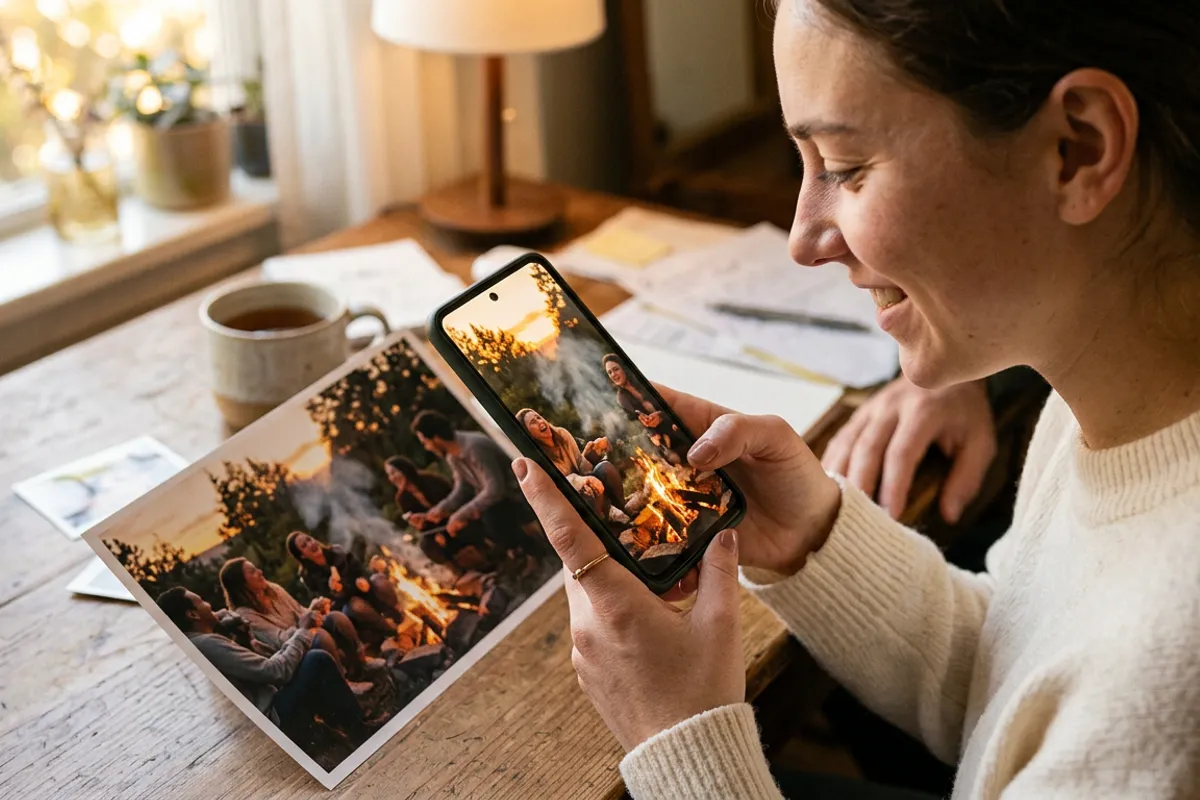
A photo lab prints thousands of albums, magnets and canvases a month. Every one of those prints can play a video when a customer points a phone at it — and the viewer that plays it can carry the lab's own name, not a third-party logo. That is what a white-label WebAR plan is. This guide explains the mechanism: what exactly gets rebranded, how the production flow changes, and how a lab turns its existing catalog into AR carriers.
Quick answer
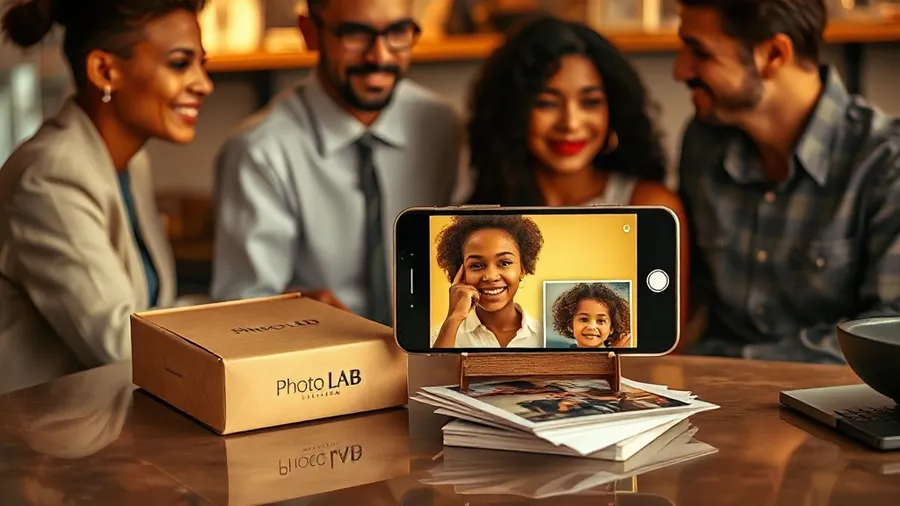
White-label means the AR viewer runs under the lab's or agency's own brand: their name, their colors, their link on the QR code. The lab keeps its normal print production and adds a digital layer — customers upload or receive videos tied to each print. Stories AR provides the WebAR engine; the customer never sees the platform behind it.
Key takeaways
- White-label rebrands the viewer layer: the customer scans a QR code and sees the lab's brand, not the platform's.
- Any existing print product — album, magnet, canvas, calendar — becomes an AR carrier without changing the print process.
- The AR runs in the browser (WebAR), so lab customers never install anything to watch a print come alive.
- Videos can be replaced after printing: the QR code stays the same, so a misprint never means a reprint.
- White-label plans also cover an own app-store presence for labs that want a branded native app.
What "white-label" actually covers
In a standard setup, an AR photo made on Stories AR opens in the Stories AR viewer. On a white-label plan, the same technology runs under the lab's or agency's brand: the viewer page shows the lab's name and styling, and the link behind the QR code belongs to the lab's branded viewer. For businesses that want to go further, white-label plans include an own app-store presence — a branded native app alongside the browser viewer.
What does not change is the engine underneath. It is the same WebAR stack: the customer scans a QR code, the browser opens the camera, the video plays anchored on top of the print. Safari on iOS, Chrome on Android, no installation. The camera feed is processed locally in the browser, so nothing is recorded or uploaded — a point worth putting in the lab's own FAQ.
How the production flow changes (barely)
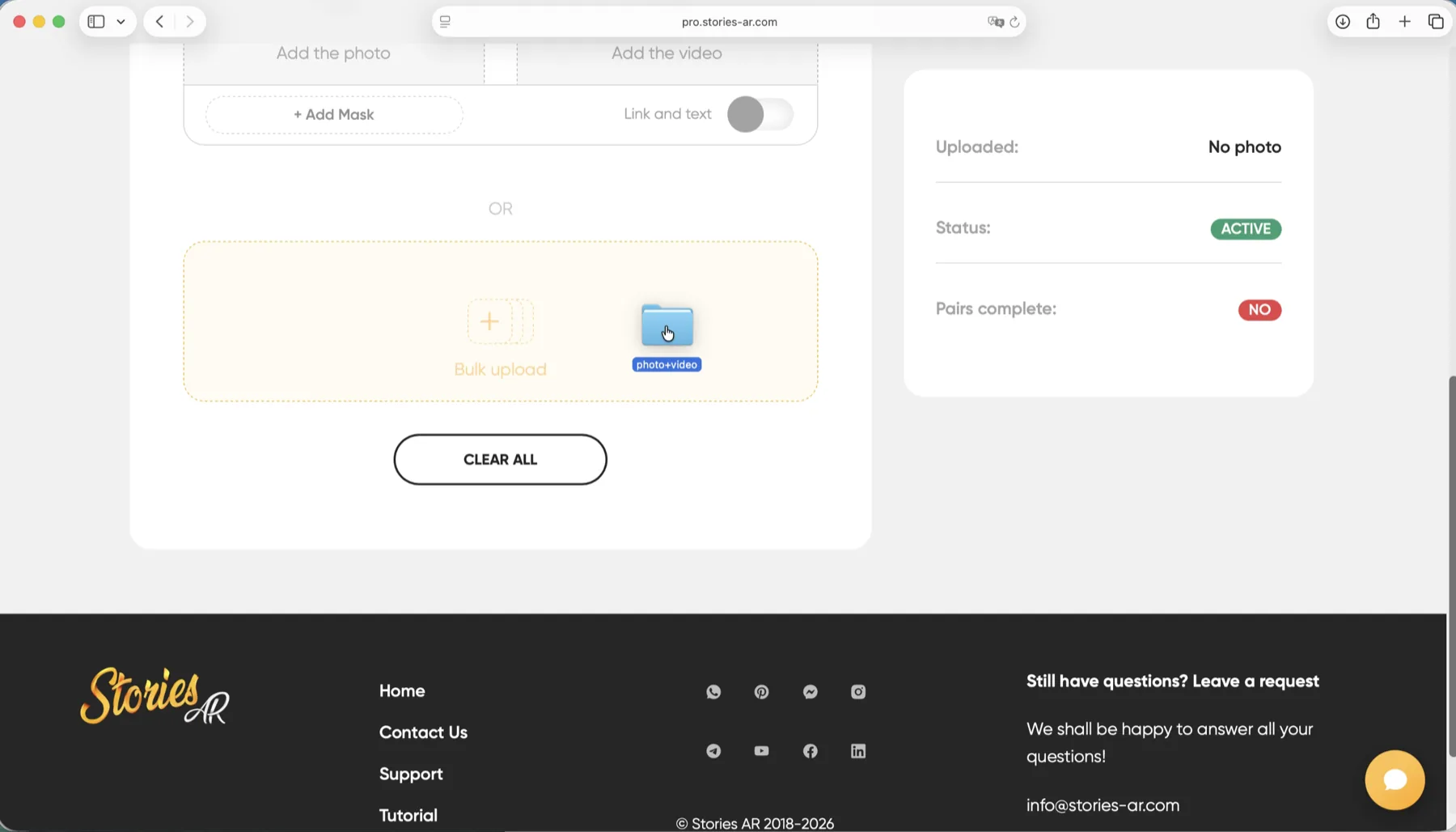
The physical side of the lab stays untouched. Same printers, same paper, same lamination line — with one caveat on finishing, covered below. What gets added is a digital step: for each print that should come alive, someone pairs the photo file with a video file in the dashboard and gets a QR code.
Who does that pairing is a business decision. Some labs do it as a service: the customer sends a video with the order, the lab creates the AR photo and prints the QR on the back cover or a card insert. Others give photographers direct access and only handle print. Batch upload matters here — an album run of dozens of spreads is paired in one session, not one by one.
- Customer or photographer supplies photo + video pairs with the order
- Lab operator uploads pairs and downloads QR codes
- QR goes on the product: back cover, insert card, packaging sticker
- Product ships; the video can still be swapped later without reprinting
Which products become AR carriers
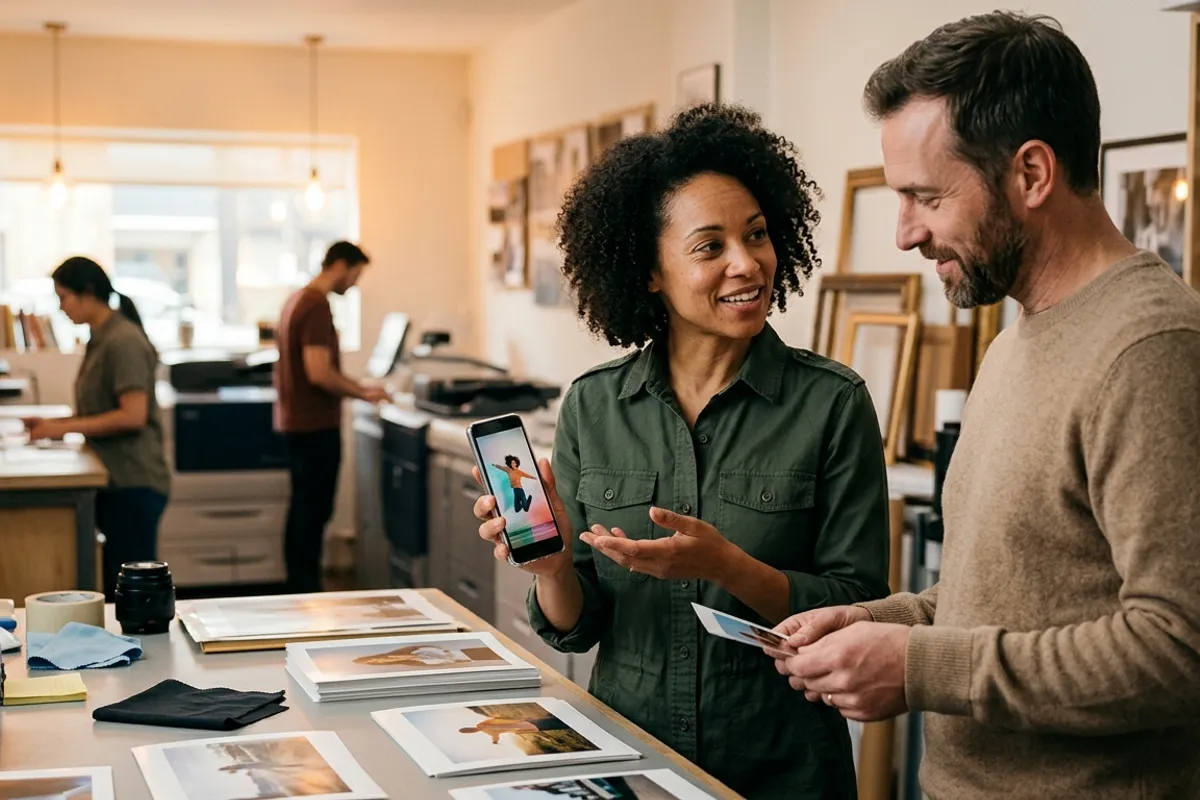
Anything the lab already prints with a detailed image on it. In practice photographers and labs sell living photo albums, wedding books, graduation albums, magnets, postcards, canvases, calendars, keychains and posters. The trigger is the printed photo itself, so the format range is wide — the recognition works from business-card size up to posters.
The one finishing constraint: heavy gloss and mirror-like laminate make recognition harder, because glare hides the image detail the camera needs. Matte and soft-touch finishes are safe. Flat single-color designs and repeating patterns are poor triggers too — but a lab's typical product is a customer's photo, which is exactly the detailed, unique image that scans best.
Why labs and agencies choose white-label over reselling
A lab can simply resell AR photos made on the standard platform — that works. White-label solves a different problem: brand control. The lab invests in a customer relationship for years; it does not want the most magical moment of its product — the print coming alive — to advertise someone else's name.
There is also a lock-in effect that favors the lab. The QR code printed on an album points at the lab's branded viewer. When the customer wants to change the video a year later — a wedding anniversary edit, a new family clip — they come back to the lab. The print becomes a subscription-shaped relationship instead of a one-time sale.
The platform side is proven at scale: more than 62 000 photographers use Stories AR and over 259 000 AR photos have been created on it. A lab is not betting its brand on an experiment.
How to evaluate it before committing
Start with the free tier: create a few AR photos from your own catalog samples — an album spread, a magnet, a canvas — and put them in the showroom or sales deck. Watching a familiar product come alive is a stronger pitch than any slide.
Then test the operational load: time how long pairing takes on a real order, decide who owns the upload step, and write the customer-facing instructions. When the numbers work, talk to the team at pro.stories-ar.com about white-label terms — plans are structured for agencies and photo labs specifically. A working demo of the scanning experience is on the demo page.
Test AR on your own catalog
Create your first AR photos free, put them on real samples, then talk white-label. Sign up at pro.stories-ar.com.
Start for freeFrequently asked questions
Does the customer see the Stories AR brand anywhere?+
Not on a white-label plan. The viewer carries the lab's or agency's own branding, and white-label plans also cover an own app-store presence for a branded native app.
Do lab customers need to install an app to watch the prints?+
No. The AR viewer is WebAR — it opens in Safari on iOS or Chrome on Android straight from the QR code. A branded native app is an optional add-on.
Can the video be changed after the album is printed?+
Yes. The QR code and link stay the same forever; replacing the video in the dashboard updates every printed copy instantly, with no reprint.
Which print finishes should a lab avoid?+
Heavy gloss and mirror laminates — glare hides the image detail the camera needs to recognize the print. Matte and soft-touch finishes scan reliably.