Augmented Reality for People with Disabilities: Real Uses
Andrei Zhizdra — Founder, Stories AR
Quick answer
AR helps people with disabilities by attaching video to printed materials with no app required: a printed page or photo plays sign-language interpretation, narration or plain-language explanation when scanned with a phone camera in the browser. Working uses include sign-language overlays on printed documents, accessible layers on museum labels, communication cards that play video demonstrations, and living family photos used for memory support in dementia care.
Key takeaways
- The no-app part is the accessibility feature: scan a QR code, the browser opens the camera, the layer works — no software to find or learn.
- Printed documents can play sign-language interpretation on top of the page; the video updates without reprinting.
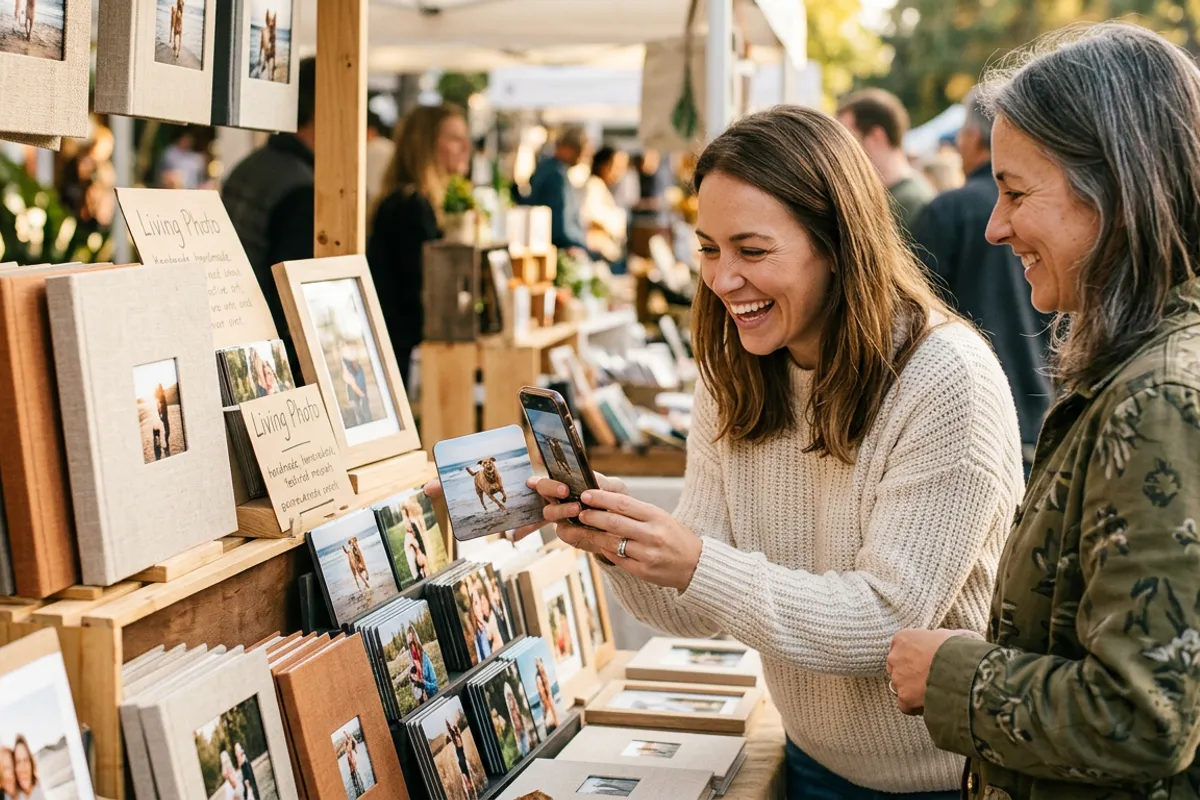
- Museum labels and exhibition prints can carry narrated, high-contrast or plain-language video layers per exhibit.
- Communication cards that play video let caregivers demonstrate routines and adapt the same card set as needs change.
- Living family photos support reminiscence in dementia care: a familiar printed photo plays a relative's voice and face.
Most writing about augmented reality and disability stays abstract — "AR can foster inclusion" — without explaining a single mechanism. This article does the opposite: it walks through concrete, working ways AR is used for accessibility today, focusing on one specific capability — a printed image that plays a video when a phone camera is pointed at it. That capability sounds narrow. It turns out to solve real problems for deaf, blind, cognitively disabled and elderly people, precisely because it attaches rich media to the physical world without requiring anyone to install anything.
Why browser-based AR matters for accessibility
Accessibility tools fail most often at the adoption step: an app must be found, downloaded, and learned. WebAR removes that step. A person scans a QR code, the browser opens the camera, and the AR layer works — on an ordinary iPhone or Android phone, in Safari or Chrome. For users who find new interfaces difficult, and for institutions that can't ask every visitor to install software, this is the difference between a demo and a tool. The WebAR approach also processes the camera feed locally in the browser: nothing is recorded or uploaded, which matters when the users are vulnerable people.
Sign-language video on printed materials
Printed information — leaflets, safety instructions, event programs, public notices — assumes the reader is comfortable with written language. For many deaf people, a national sign language is the first language, and dense printed text is a second-language task. AR closes this gap directly: a printed page carries a QR code, and scanning it plays a sign-language interpretation of that page's content, anchored on the page itself. The organization records one interpretation video per document; if the document changes, the video is replaced without reprinting anything.
Audio-visual layers on museum and exhibition prints
Museums and galleries print constantly: wall labels, posters, exhibition catalogues. Each of those prints can become a trigger for an accessible layer:
- a sign-language tour segment playing over an exhibit label;
- a narrated, high-contrast video version of a visual work for visitors with low vision;
- a slower, plain-language explanation of a complex exhibit for visitors with cognitive disabilities.
The institution keeps its existing printed materials — the AR layer is added on top, and can be updated per exhibition without touching the print run.
Communication cards that play video
Printed communication cards are a long-established tool for people with speech and cognitive disabilities. Their limitation is that a static picture communicates a static concept. A card that plays a video when scanned can carry much more: a caregiver demonstrating a routine step by step, a familiar person modeling a phrase, a calming clip chosen for a specific situation. Because the video behind each card is replaceable, a caregiver can adapt the same physical card set as needs change — no new materials, no new interface to learn. The card itself stays a simple, durable, tactile object, which is exactly what makes printed cards effective in the first place.
Memory support through living family photos
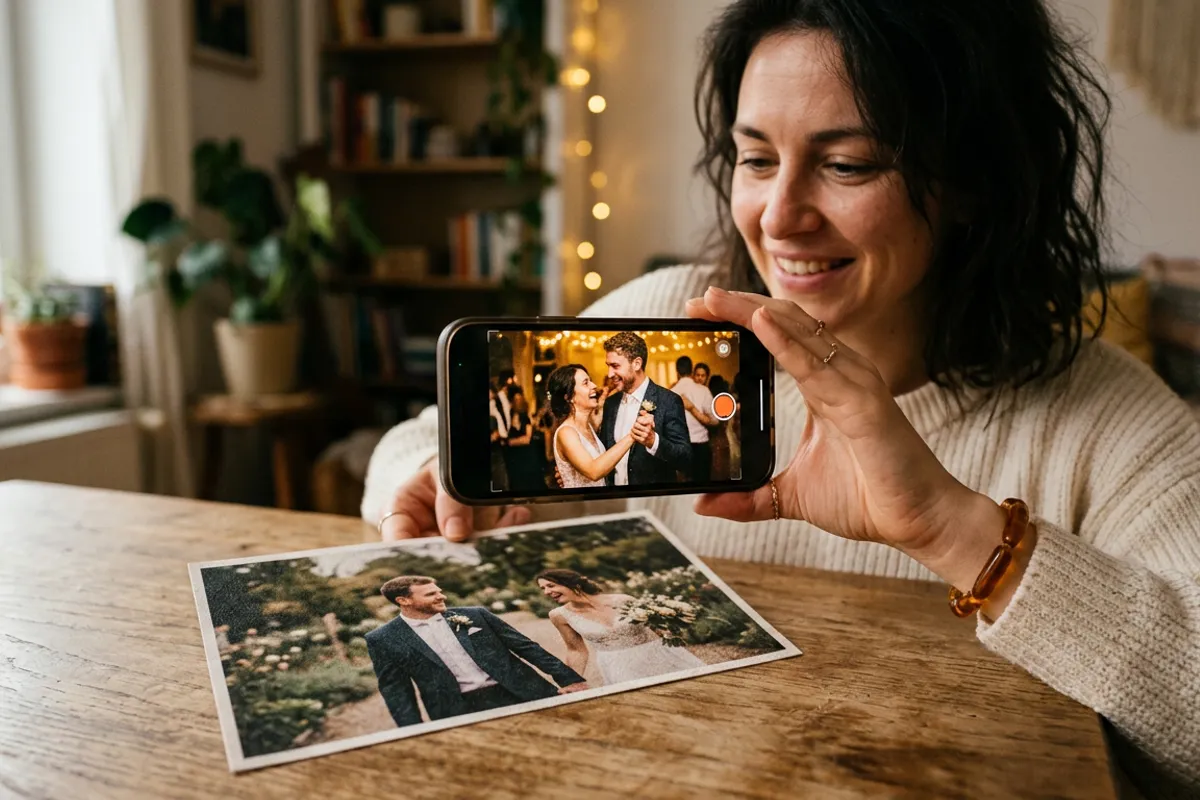
For people living with dementia, family photographs are a standard tool for reminiscence — looking through them together supports orientation and connection. AR adds motion and voice to that practice: a printed photo of a grandchild plays a short video of that grandchild speaking; a wedding photo from decades ago plays a recent greeting from the family. The person holds an ordinary printed photo — a familiar, non-intimidating object — while a relative or caregiver handles the scanning. Families create these with a living photo in minutes: upload the photo and the video, print the photo or a QR code, and the print plays the video whenever the camera finds it.
What to take from this
None of these uses require special hardware, custom development, or an app. They require a printed image, a video that carries the accessible content, and a service that links the two — which is exactly what image-to-video WebAR platforms do. The honest limitation is equally clear: this approach delivers video anchored to print; it is not navigation for blind users or real-time captioning, which need different technologies. But for any organization that already prints materials — and almost all do — adding a sign-language, narrated or plain-language video layer is one of the fastest genuine accessibility improvements available.
Frequently asked questions
Does the person with a disability need to install an app?+
No. WebAR runs in the phone browser: scanning a QR code opens the camera in Safari or Chrome, and the video plays anchored on the printed image.
How do sign-language overlays on printed materials work?+
The organization records a sign-language video of the document's content and links it to the printed page's image. Scanning the QR code on the page plays the interpretation on top of it, and the video can be replaced when the document changes.
Is this suitable for people with dementia?+
It is used as a reminiscence aid: printed family photos play short videos of relatives speaking. The person interacts with a familiar printed photo while a caregiver handles the phone.
What are the limits of this approach?+
Image-to-video AR delivers video anchored to printed materials. It does not replace navigation aids for blind users or live captioning — those need different technologies.