AR Photography for Photographers: How Living Photos Become a Product
Andrei Zhizdra — Founder, Stories AR
Quick answer
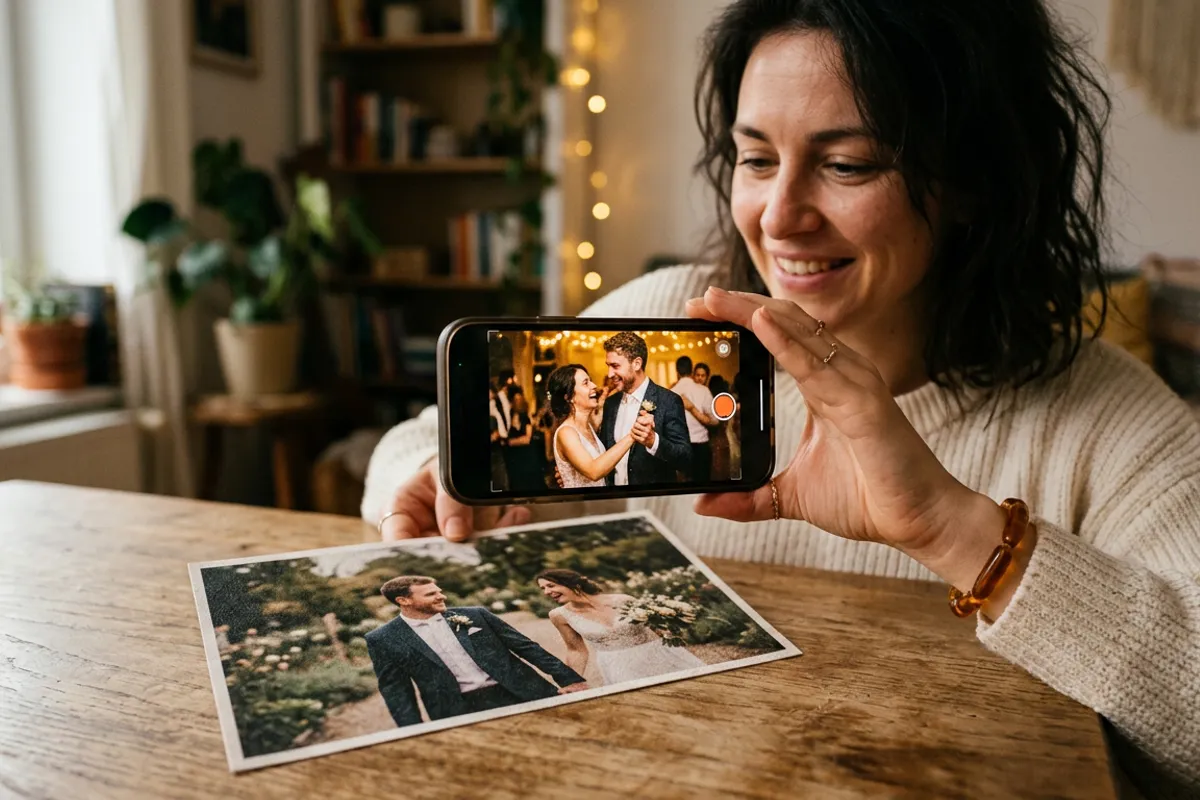
AR photography means adding an augmented reality layer to a regular photo: when someone points their phone camera at the picture, a video plays on top of it. The photo acts as a marker — it works on screens and on printed photos alike. With WebAR platforms like Stories AR, viewers need no app: they scan a QR code, aim the camera, and the photo comes alive in the browser.
Key takeaways
- An AR photo is a normal picture linked to a video — point a phone camera at it and the video plays on top
- It works on prints too: albums, magnets, postcards, business cards and packaging come alive
- Modern AR photos run in the browser (WebAR) — viewers don’t install anything
- Photographers sell AR photos as premium products: living wedding albums, magnets and keychains
- You can create your first AR photo free in about a minute with Stories AR
AR photography is one of the most practical uses of augmented reality: an ordinary picture — on a screen or on paper — plays a video when you look at it through a phone camera. No special hardware, no app. Here’s how AR photos work, where they’re used, and how to make one yourself.
Looking for a general explanation of the format? See AR pictures. This guide is for photographers: how to turn living photos into a product line.
Stories AR is now the largest living-photo service: over 62,000 photographers use it, and more than 259,000 AR photos have been created.
The demand is measurable: 66% of consumers want to use AR in everyday scenarios (Google), and AR interaction drives a 94% higher conversion rate (Deloitte × Snap) — living photos sit right on this wave.
What is AR photography?
An AR photo is a pair: a photograph plus a video, linked on an augmented reality platform. The photo becomes a marker — computer vision memorizes its unique visual features. When a camera sees the photo, the platform recognizes it and overlays the video precisely on top, tracking the image as the phone moves. The result: the picture appears to come alive.
How AR photos work: the 4 steps
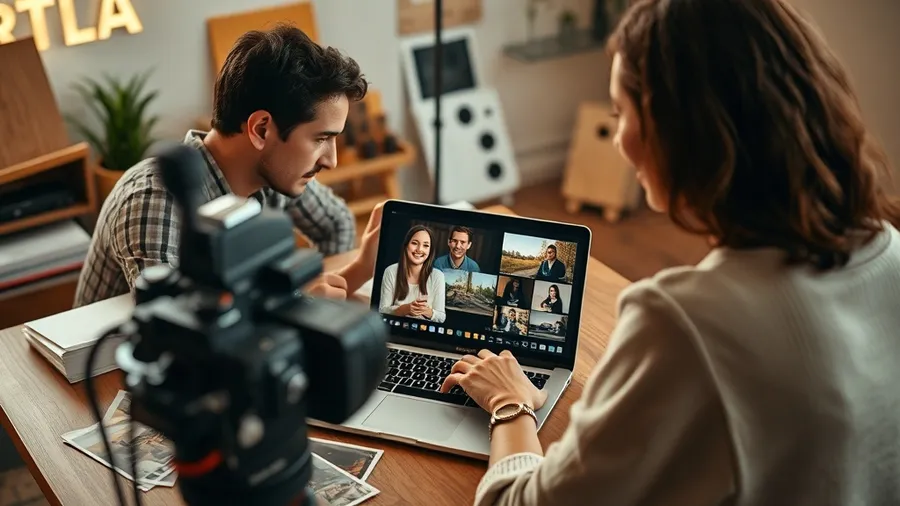
- Upload. You add a photo and a short video to Stories AR.
- Recognition setup. The platform builds a visual “fingerprint” of your image.
- Share. You get a link and a QR code — print it next to the photo or share it online.
- View. The viewer scans the code, points the camera at the picture, and the video plays on top — right in the browser, thanks to WebAR.
Where AR photos are used
- Wedding and family photography — living albums and photo books where key moments play as video.
- Photo products — magnets, postcards, keychains and calendars that come alive.
- Business cards — a card that plays your video presentation (see how to create AR).
- Retail and packaging — product boxes and posters that talk to customers via AR QR codes.
Why photographers love AR photos
For photographers, AR photography is a premium add-on with minimal extra work: you already shoot photos and video at every event. Linking them takes a minute per image and turns a regular album into a “magic” product clients show everyone. It’s also a recurring revenue stream — more in making money with AR.
Make your first AR photo in a minute
- Pick a photo and a 10–60 second video (shot from the same angle for the best effect).
- Upload both to Stories AR — your first AR photo is free.
- Get the QR code, test it, then print or share the photo anywhere.
Looking for apps that animate old pictures instead? See the app that brings pictures back to life.
Frequently asked questions
What is an AR photo?+
A regular photograph connected to a video through augmented reality. When a phone camera recognizes the photo, the linked video plays exactly on top of it — the picture appears to come alive.
How do I make an AR photo?+
Upload a photo and a short video of the same moment to Stories AR. The platform links them and gives you a QR code. Anyone who scans it and points their camera at the photo sees it animate. The first photo is free.
Do viewers need to install an app?+
No. WebAR runs in the phone browser — Safari or Chrome. Scanning the QR code opens the camera right on the web page.
Does it work with printed photos?+
Yes — that’s the core use case. Printed albums, photo books, magnets, postcards and business cards all come alive when viewed through the camera.
What’s the difference between AR photos and Live Photos on iPhone?+
Live Photos only play inside the iPhone gallery. AR photos work on any phone and any medium, including paper, because the video is anchored to the image itself.