Photo Gifts for Christmas: 6 Formats That Play Video
Stories AR team

Photo gifts are the default for the holidays, and that is exactly their weakness: everyone has received a mug and a magnet before. A living photo changes the equation — the printed picture plays a video the moment someone points a phone at it, no app required. The same mechanic works across almost every print format. Here is a roundup of six AR photo gifts, who each one fits, and how to get them made in time — whether you do it yourself on the free tier or order from a photographer.
Quick answer
The strongest AR photo gifts for the holidays are the framed print, the photo album, fridge magnets, a wall calendar, postcards and keychains. All work the same way: the print carries a QR code, scanning it opens the phone browser, and the photo plays a video. You can make any of them yourself — first AR photos are free at pro.stories-ar.com — or order from a photographer; either way, send prints to the lab by early December.
Key takeaways
- One mechanic, many formats: any detailed print from keychain size to poster can play a video when scanned.
- The framed print is the safest all-ages pick; the album is the deepest, one video per spread.
- Videos are replaceable without reprinting, so the gift can keep updating after the holidays.
- DIY route: free tier plus any print lab. Photographer route: order the shoot in November.
- Real-world scale: over 259 000 AR photos have been created on Stories AR.
How every gift on this list works
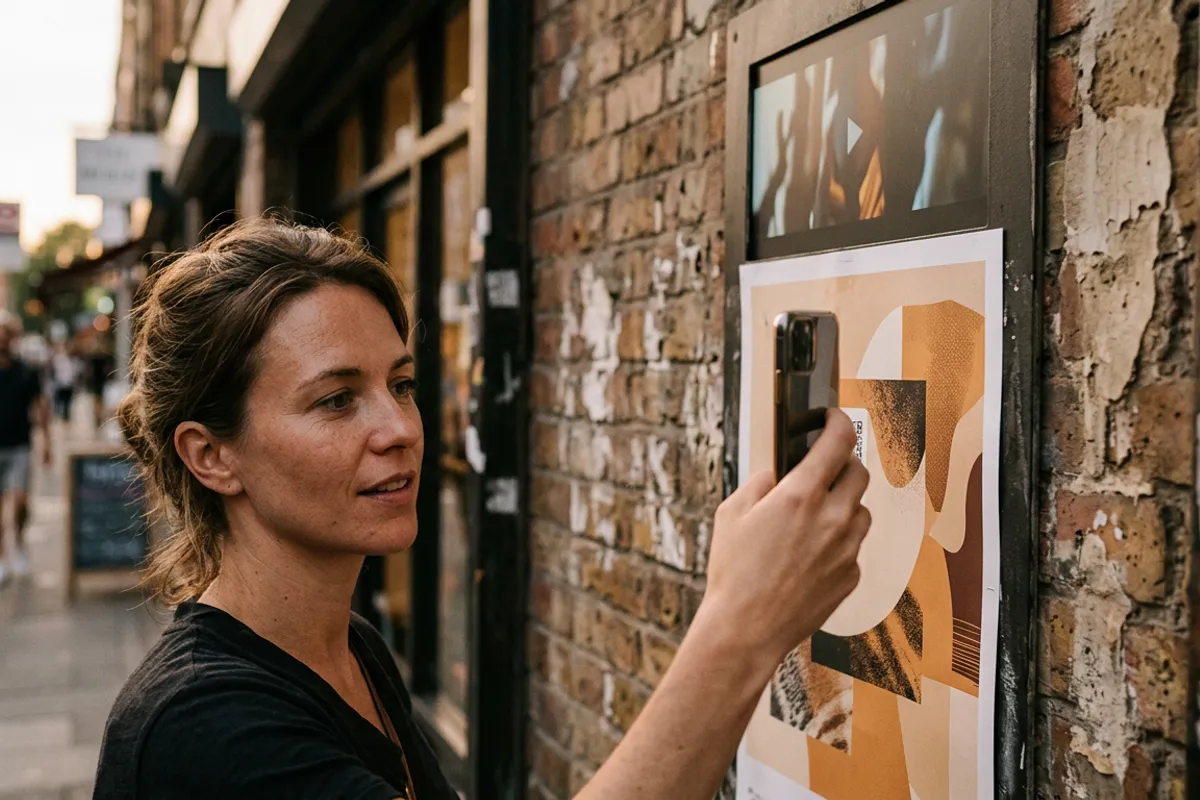
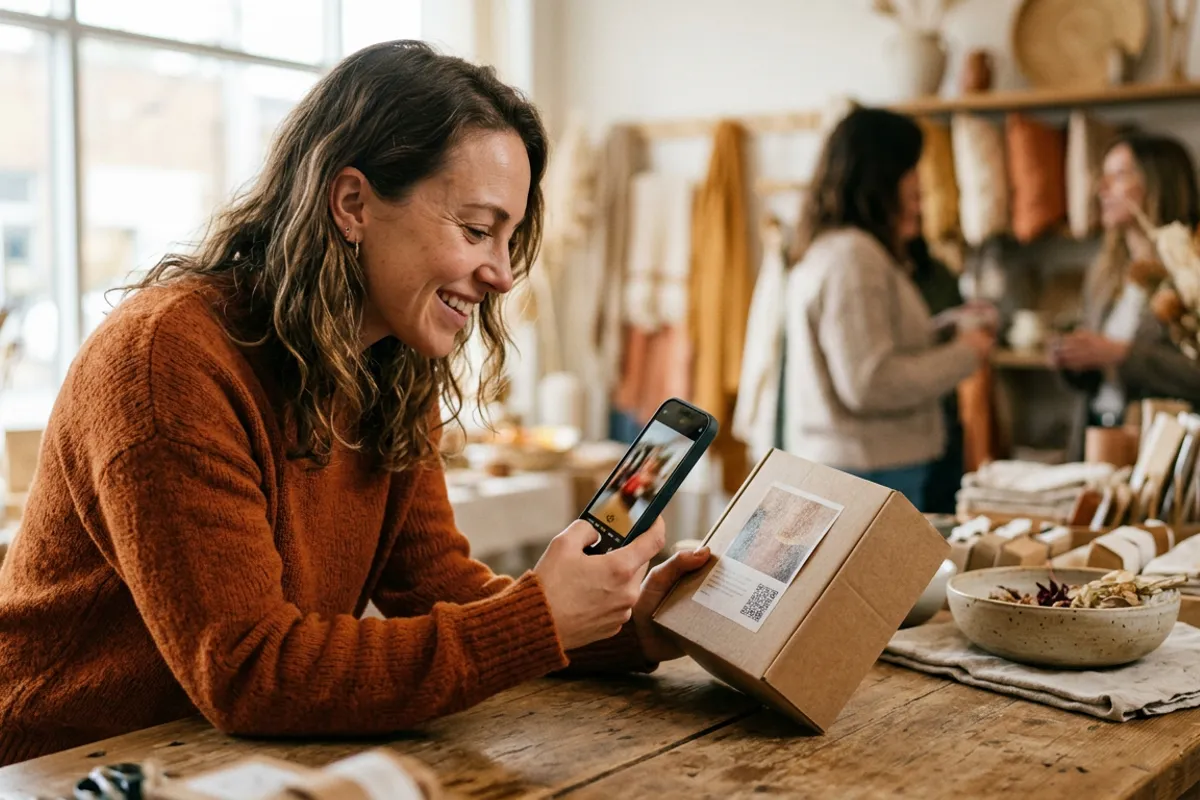
The recipe is the same regardless of format. You pair a photo with a video in Stories AR and get a QR code. The photo gets printed — framed, bound, laminated onto a magnet — and the QR code sits on or next to it. The recipient scans the code, the browser opens the camera, and the printed photo plays the video anchored right on the print.
Two production rules apply to everything below. First, use detailed photos: faces and textures track well, flat colors and glossy finishes do not. Second, the print works from business-card size up to posters, so even a keychain is a valid trigger.
Not sure the effect is real until you see it? Try the live demo on your own phone before committing to a print run.
The six formats, ranked by who they fit
Each format below is something photographers already sell with AR — this is not theory.
- Framed print — the all-ages default. A portrait that plays a 30-second clip; ideal for grandparents and anyone whose walls you know. Order: print + frame + QR on the mat.
- Photo album — the deep gift. A year-in-review or wedding album where each spread can play its own video. Biggest production effort, biggest reaction.
- Fridge magnets — the stocking stuffer. Small, cheap to print in sets, and each magnet can play a different moment. Great for spreading one event across the whole family.
- Wall calendar — the gift that performs twelve times. Each month's photo plays a clip from that time of year; January's page keeps the holiday video alive all month.
- Postcard — the mail-friendly option for people far away. Flat, light, and the video greeting can be recorded after mailing.
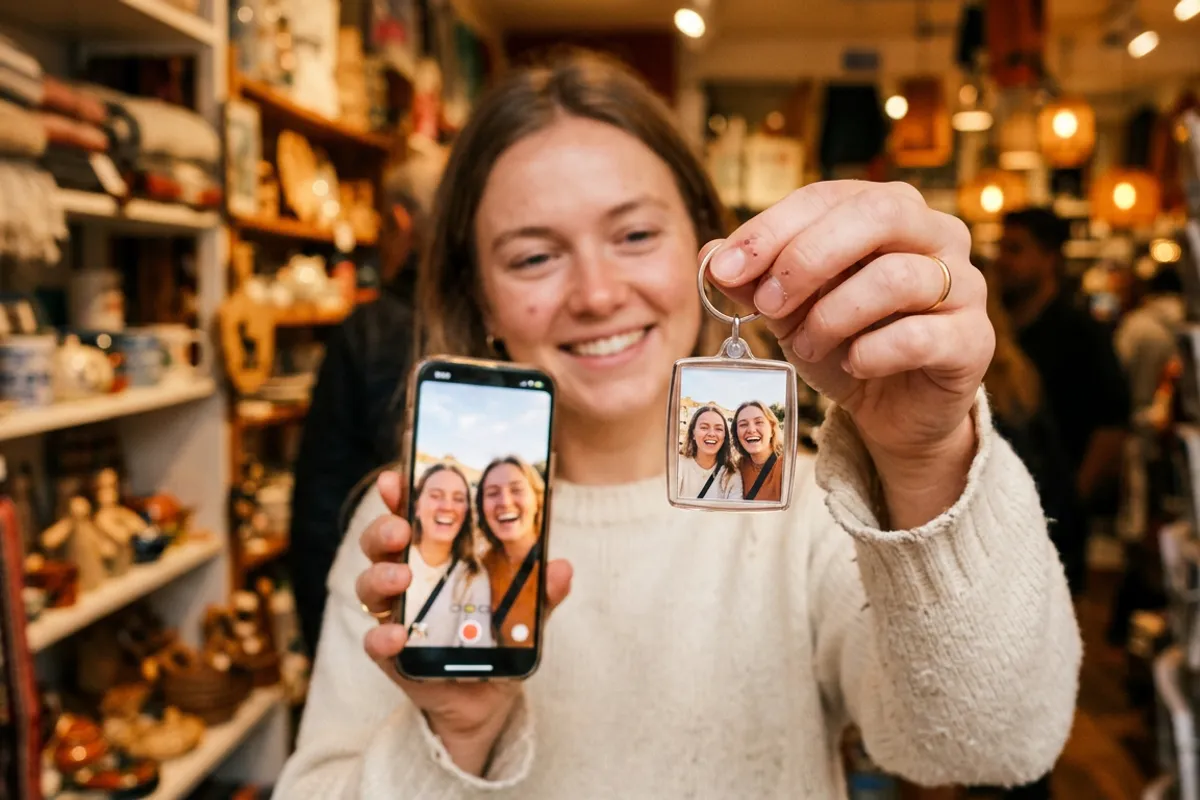
- Keychain — the pocket memento. A tiny print of a pet, a child or a couple that comes alive on demand; works because trigger images scale down well.
Route one: make it yourself on the free tier
The DIY path costs only printing. Sign up at pro.stories-ar.com — first AR photos are free — and upload the photo plus a 10–60 second video. Download the QR code and add it to your layout before sending files to any print lab or gift shop that prints on magnets, calendars and keychains.
Timing is the only real constraint: print labs are busiest in December, so have files submitted by early December — earlier for bound albums and calendars, which take longer to produce.
Test before gifting: print the photo at home or scan the lab's proof. If the video anchors and plays, the production copy will behave the same.
Route two: order from a photographer
If the gift deserves fresh photos — a family portrait session, kids with the tree, a couple's shoot — book a photographer in November and ask specifically whether they offer living-photo products. Many do: more than 62 000 photographers use Stories AR, and holiday mini-sessions are exactly when they capture the short video clips these products need.
Ordering from a photographer gets you better source material and finished production: they handle the pairing, the QR placement and the print quality. Expect AR versions to be priced as a premium add-on over plain prints — that premium is the photographer's margin, and the result is a gift no one else under the tree brought.
After the holidays: the gift keeps working
The QR code on any of these products never changes. Replace the video in the dashboard and the framed print, magnet or calendar plays the new clip — no reprinting.
That is worth planning into the gift itself: give grandparents a frame in December, then refresh the video with new footage of the kids through the year. The object stays; the moment inside it stays current.
Make your first AR photo gift
First AR photos are free. Upload a photo and a video, download the QR code — the print lab does the rest.
Start for freeFrequently asked questions
Does the person receiving the gift need an app?+
No. Scanning the QR code opens the phone browser — Safari on iOS or Chrome on Android — and the video plays on top of the print.
Which format is the safest choice if I don't know the person well?+
The framed print. It fits any age and any home, and the video can be a simple greeting rather than something deeply personal.
How small can the print be and still work?+
Down to business-card size — keychains and magnets work fine. Use a detailed photo and avoid glossy finishes for reliable scanning.
When do I need to order to have gifts ready for Christmas?+
Submit print files by early December. Albums and calendars need extra production time, so order those in November.