Christmas Cards That Play a Personal Video Greeting
Stories AR team
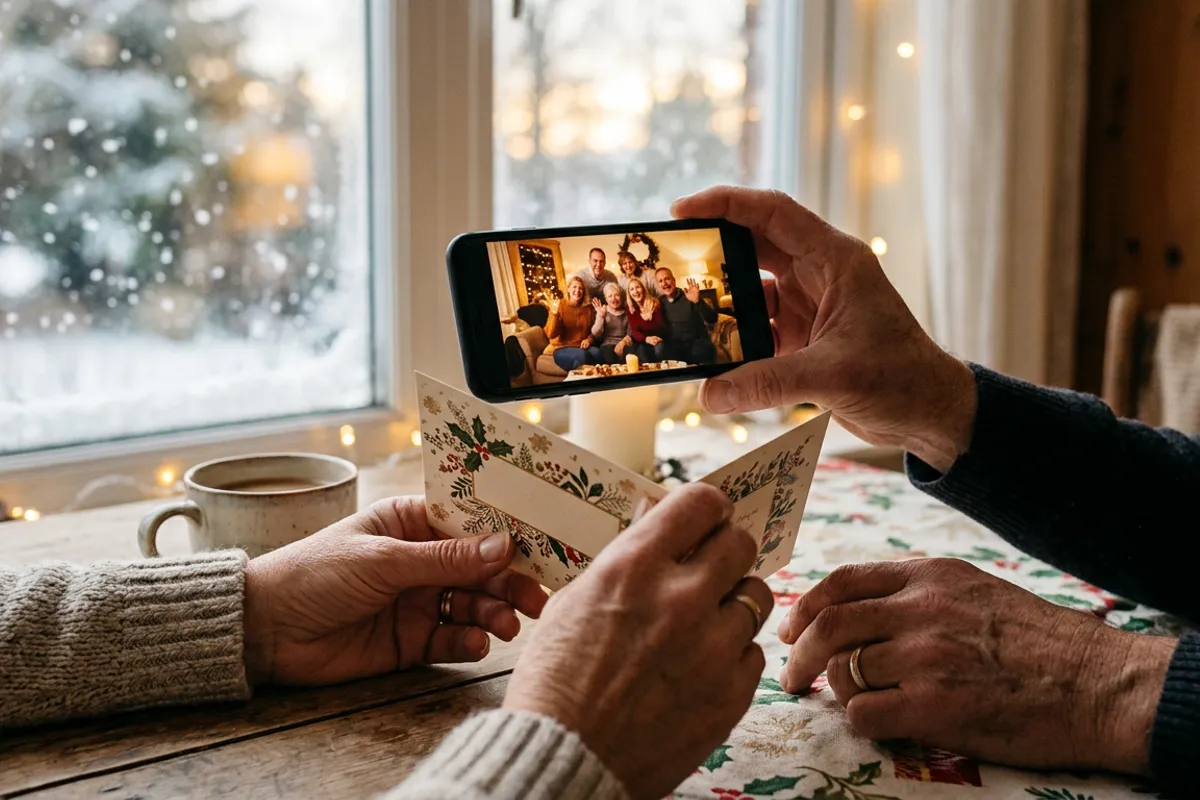
A printed Christmas card gets a glance and a spot on the shelf. A printed card that plays a personal video greeting when someone points a phone at it gets rewatched, shown to guests and kept. The mechanics are simple: the card carries a small QR code, the code opens the phone browser, and the photo on the card starts playing your video. Here is how to make one, what changes between the family and the business version, and when to order prints so December does not catch you unprepared.
Quick answer
Upload the card's photo and a short greeting video to Stories AR, get a QR code, and add it to the card layout before printing. Recipients scan the code and the card plays the video in their browser — no app needed. First AR photos are free; plan to have print files at the lab by early December to beat the holiday print rush.
Key takeaways
- The card is ordinary print — a QR code plus a photo-video pair created online does all the work.
- One design can carry one shared video (family newsletter style) or each card can play its own personal clip.
- The video can be swapped after printing: record the greeting later, even after cards are mailed.
- Print labs get slammed in December — send layouts by early December, earlier for foil or die-cut cards.
- For businesses, a scannable card doubles as a measurable channel: the same code can carry a call-to-action button.
How a video Christmas card works
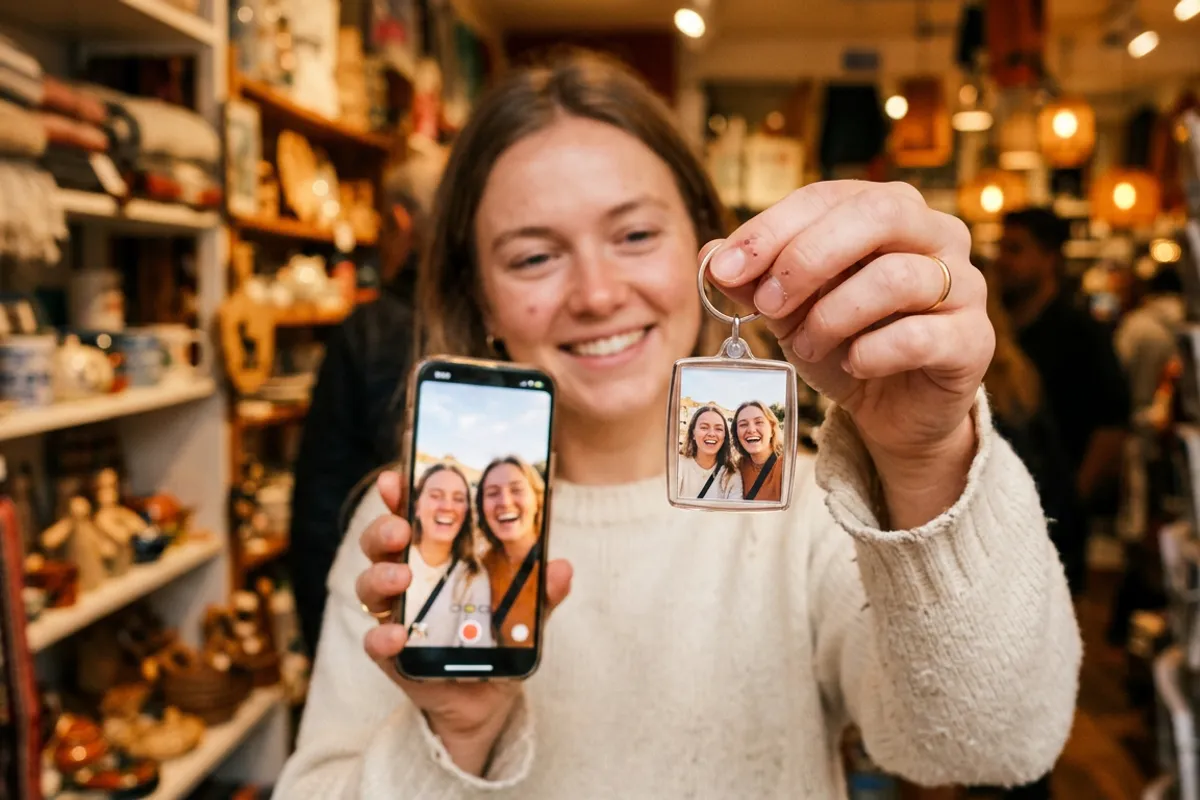
You pick a photo for the card — the family in sweaters, the team at the office, this year's best product shot. In Stories AR you pair that photo with a video and get a link plus a QR code. The code goes into the card layout, usually on the back or in a bottom corner.
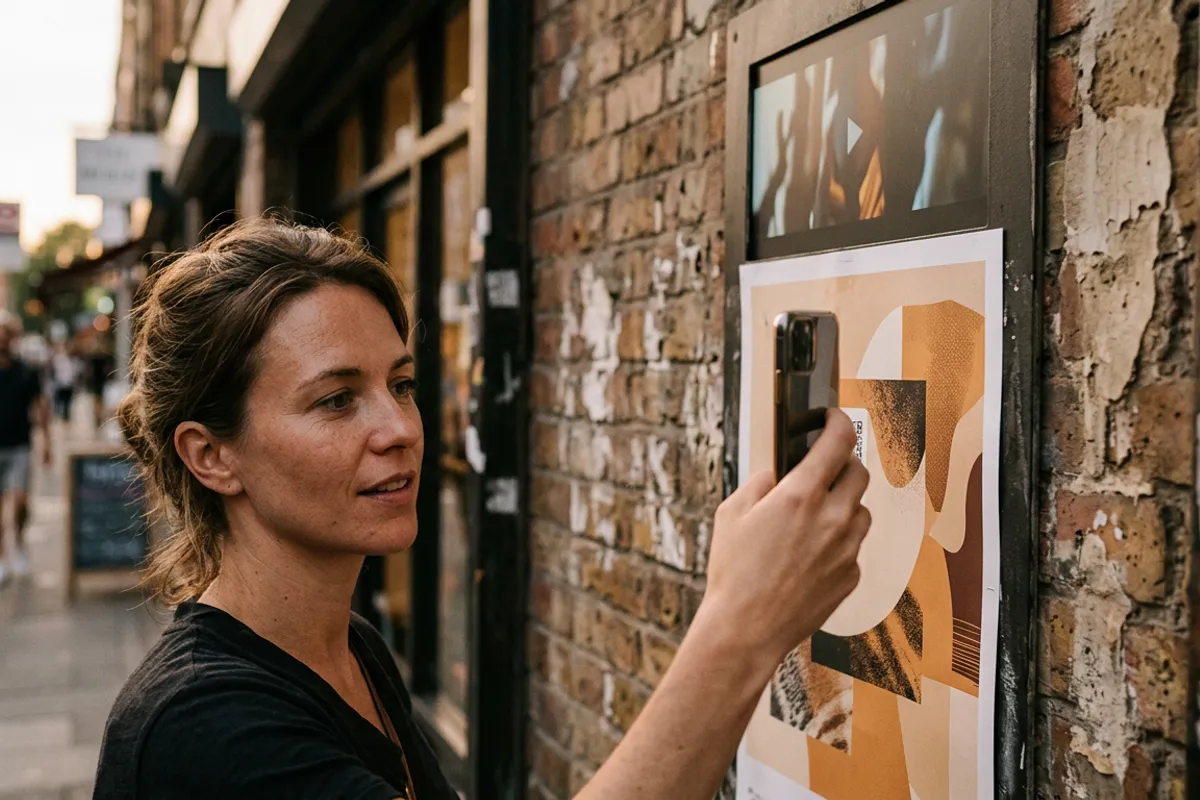
The recipient scans the code; the browser opens the camera; they point it at the card and the photo comes alive with your greeting. It works in Safari on iOS and Chrome on Android, and the mechanics are the same as any QR code video on print — the card is just the most seasonal application of it.
One detail matters for recognition: use a detailed photo as the card's main image. Faces, textures and busy scenes track well; flat color fields, repeating snowflake patterns and heavy gloss varnish don't.
The family version: one card, one moment
The classic setup: a family photo on the front, a 20–40 second video where everyone says their line, and one QR code shared across the whole print run. Grandparents, cousins and friends abroad all scan the same code and get the same greeting.
The underrated trick is that the video is replaceable. Order and even mail the cards first, record the greeting on a calm evening later — the QR code does not change. If the toddler says something better on December 20th, swap the clip and every mailed card updates itself.
If you have never made a living photo before, budget fifteen minutes for the first one: upload, trim, download the code. The free tier covers a personal card project entirely.

The business version: greeting plus a next step
Companies send hundreds of near-identical cards every December, and most go straight to a drawer. A card that plays a video from the founder or the team stands out precisely because it is unexpected on paper.
The business twist: Stories AR lets you place a call-to-action button on top of the playing video — one tap can lead to your site, a holiday offer or a booking page. The card stops being pure ritual and becomes a measurable touchpoint: scan analytics shows how many recipients actually watched.
Keep the video short and human. Thirty seconds of the actual team saying thanks beats a minute of stock footage with music.
Production timeline: work backwards from mailing day
The AR part is fast; printing and mailing are the slow parts. A realistic schedule for cards that should arrive before the holidays:
- Late October — early November: choose the card photo, shoot it if needed, decide family vs. business format.
- Mid-November: create the AR pair in Stories AR, place the QR code in the layout, test-scan a home printout before committing.
- Early December: send files to the print lab — December is their busiest month, and special finishes (foil, die-cut) need extra days.
- Mid-December: mail the cards. The video can still be re-recorded after this point.
- Any time later: replace the video for New Year — the same cards greet twice.
What it costs
For a family run, the AR side can be free: the Stories AR free tier includes your first AR photos, so the only spend is printing. For businesses or photographers producing card sets for clients, the PRO plan at $24/month billed yearly includes 20 AR photos a month — enough for several distinct card designs plus other seasonal products.
Photographers can also flip this into a service: offer clients a "video greeting card" add-on to any winter shoot. The shoot already produced both the photo and plenty of video material.
Make this year's card impossible to forget
First AR photos are free. Upload the card photo and a greeting video — the QR code is ready in minutes, the video can wait until December.
Start for freeFrequently asked questions
Does the recipient need an app to see the video?+
No. The QR code opens the phone browser — Safari on iOS, Chrome on Android — and the video plays there, anchored on the card.
Can I record the video after the cards are printed?+
Yes. The QR code stays the same forever, so you can upload or replace the video any time — even after the cards are mailed.
Can each card in a set play a different video?+
Yes — create a separate AR photo for each recipient, each with its own QR code. For a shared greeting, one code across the whole run is enough.
When should I order the prints?+
Have files at the lab by early December. Holiday demand slows labs down, and special finishes like foil need extra days.