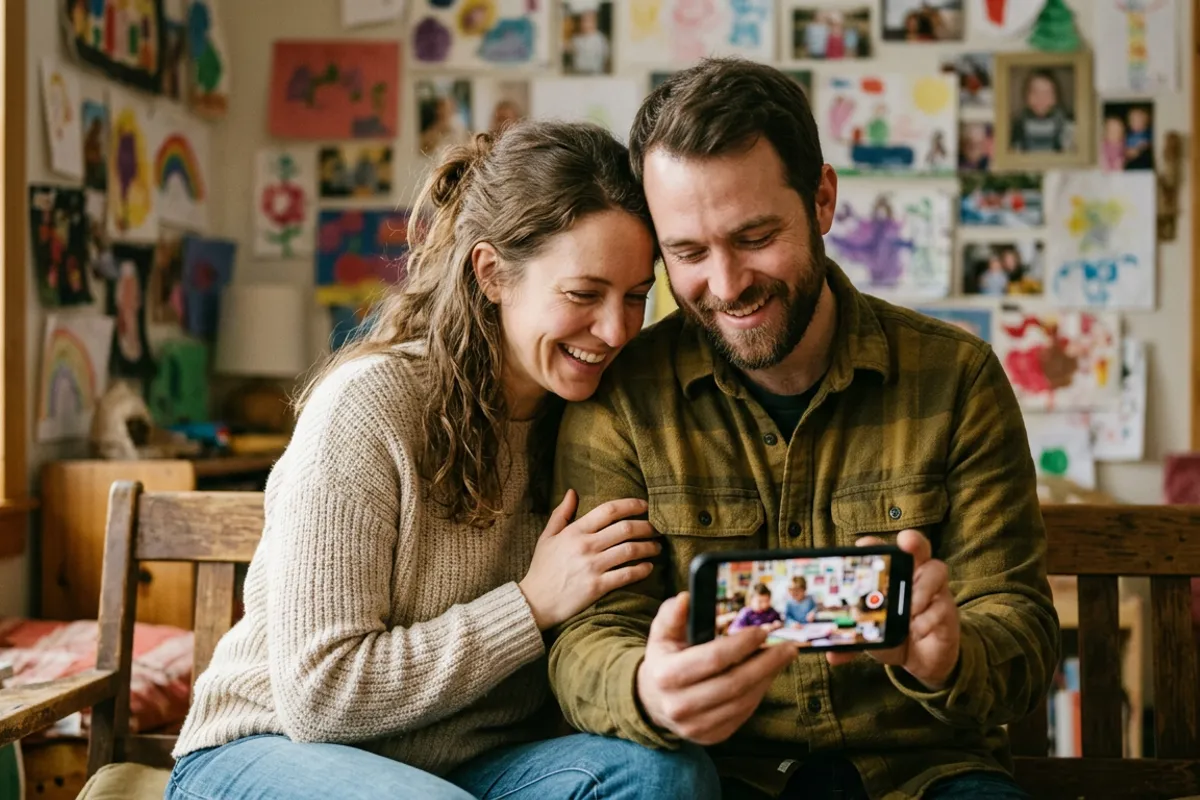
Family Holiday Photo Cards That Play a Video Greeting
Stories AR team
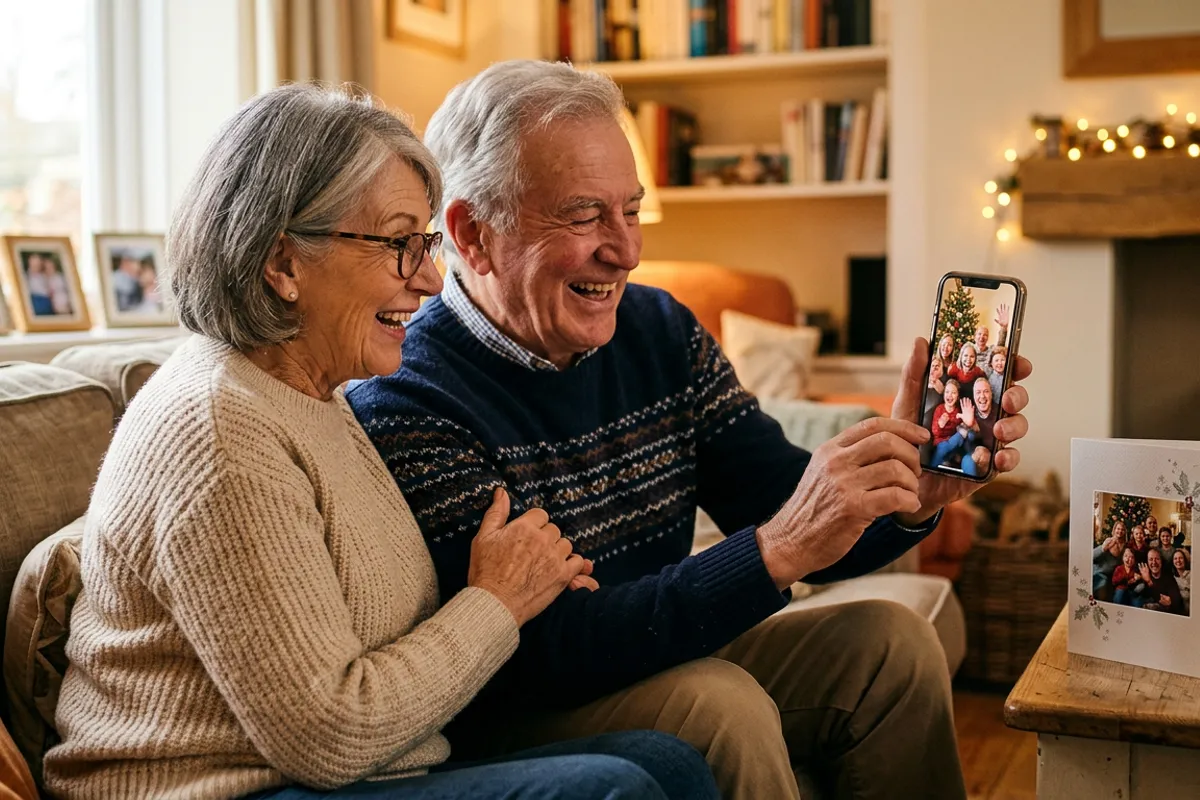
A family holiday card usually gets a ten-second look before it goes on the fridge or into a drawer. An AR card changes that: the recipient scans a QR code, points the phone at the family portrait — and the family waves, laughs and says the greeting out loud, right on top of the print. No app, everything runs in the phone browser. Here is how to build this product as a photographer running holiday mini-sessions, and how to make one yourself if you just want a card for the grandparents.
Quick answer
Print a family portrait on a card and add a QR code linked to a short video greeting. When someone scans the code, the browser opens the camera and the video plays anchored on the printed photo — no app needed. Photographers shoot the photo and a 15–30 second greeting in the same mini-session; families can do it themselves with the Stories AR free tier.
Key takeaways
- An AR holiday card is a normal printed card plus a QR code — the portrait plays a video greeting when scanned in the browser.
- For photographers: shoot the still and a short video greeting in the same mini-session slot; the AR card becomes the premium card option.
- The QR code never changes — the family can record a new greeting next year and the same card plays it.
- Families can make a card themselves on the free tier: upload photo + video at pro.stories-ar.com, get the QR, print at any lab.
- More than 62 000 photographers already use this workflow on Stories AR, with 259 000+ AR photos created.
What an AR family card actually is
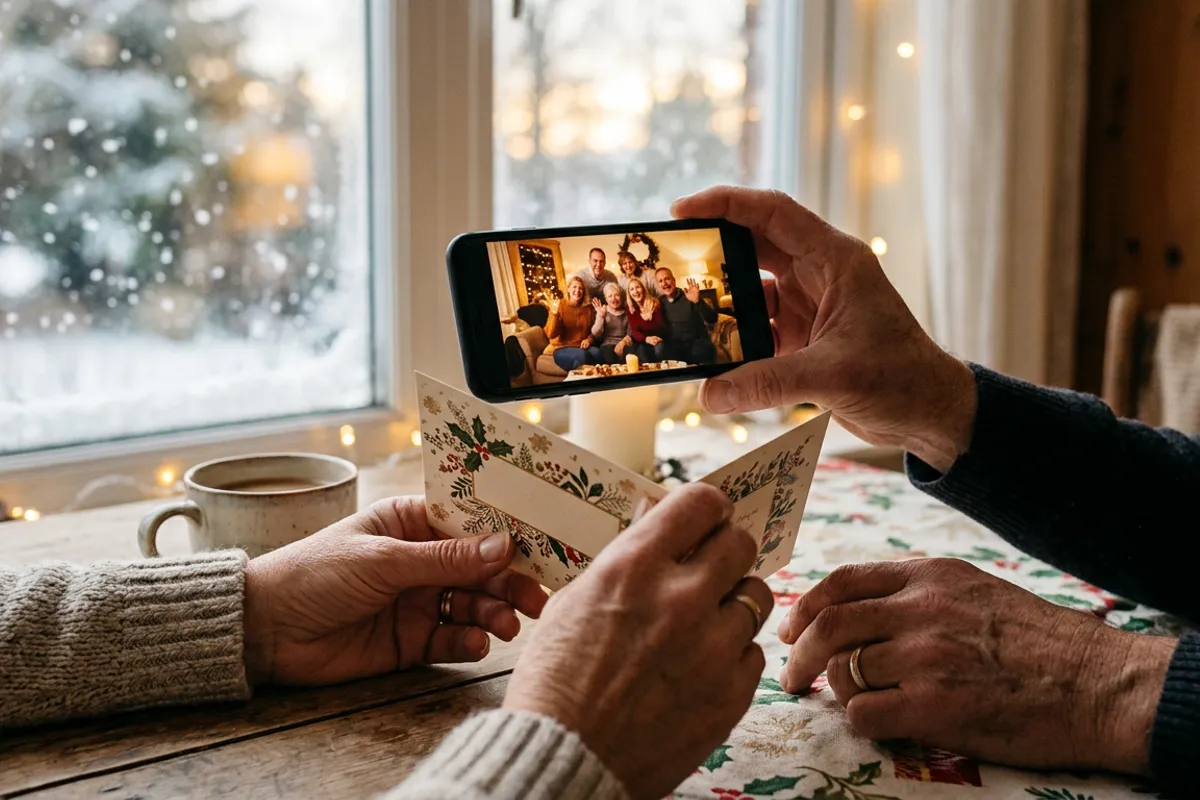
Technically it is a living photo: a printed image paired with a video that starts from the same frame. The card carries a small QR code. The recipient scans it, the phone browser opens the camera, they point it at the portrait — and the video plays exactly on top of the print. Safari on iOS and Chrome on Android both work; nobody installs anything, and the camera feed is processed locally in the browser.
For a holiday card the video is a greeting: the family stands in the same pose as the portrait, then breaks into motion — kids jump, the dog barks, everyone shouts "Happy holidays, Grandma!" The still print is the first frame, so the card literally appears to wake up.
The mini-session workflow for photographers
Holiday mini-sessions are already short, high-volume shoots — usually 15–20 minutes per family. Adding AR costs you about one extra minute of shooting: after you get the card-worthy still, keep the family in position and roll 15–30 seconds of video starting from that exact pose. Ask them to hold still for two seconds, then move and speak.
Back at the desk, the production step is fast. Upload the photo and the video to pro.stories-ar.com, pair them, and download the QR code. Place the QR on the back of the card or in a corner of the design, send the file to your usual print lab, done. One AR card takes about two minutes of dashboard work.
Pricing logic: the plain card set is your base product, the AR card set is the premium tier. Because the marginal cost is a couple of minutes per family, almost the entire upsell is margin. On the PRO plan at $24/month billed yearly you get 20 AR photos per month — enough for 20 family card orders in the holiday rush.
How to shoot a greeting that works on a card
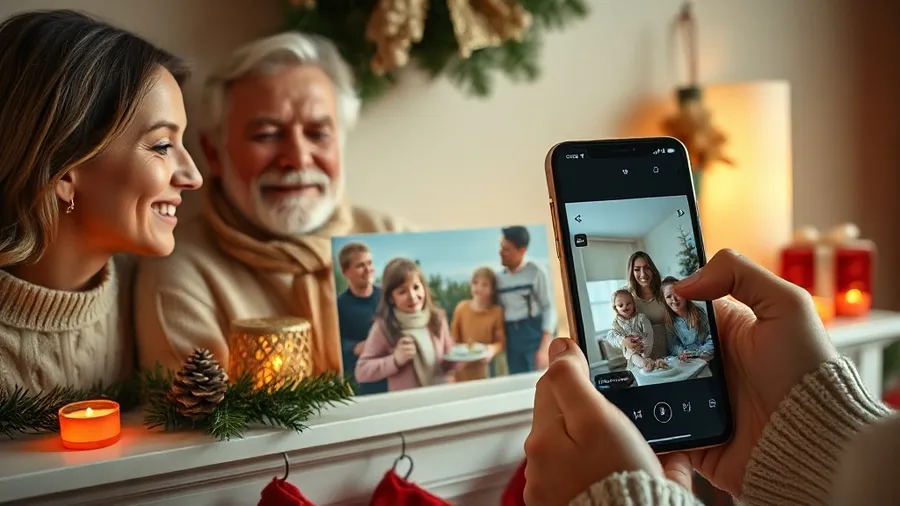
The trigger image matters. A detailed family portrait — faces, textured clothing, a decorated background — tracks well. Avoid card designs where the photo is tiny or covered in flat-color graphic frames; the photo itself is what the camera recognizes.
Three practical rules for the video: start from the printed frame so the transition is seamless; keep it under 30 seconds so it loads instantly on mobile data; record sound in a quiet room, because the spoken greeting is the emotional payload of the whole product.
- Lock the camera on a tripod for both the still and the video — same framing, same crop.
- Shoot the still first, then say "hold... and go" to start the video from the same pose.
- Record a horizontal and a vertical version if the card design is not decided yet.
- Do a test scan of a proof print before sending the full run to the lab.
The DIY route for families
You do not need a photographer to make one card for the grandparents. The Stories AR free tier lets you create your first AR photos at no cost. Take a family photo on your phone, then record a short video greeting starting from the same pose. Upload both at pro.stories-ar.com, pair them, download the QR code.
Drop the photo and the QR into any card template — an online print service or the local photo lab both work. Print sizes from postcard up to poster are fine as trigger images, so the same pair can also become a framed print or a calendar cover.
One detail people love: the QR code is permanent. Next December, record a new greeting, replace the video in the dashboard — and the card from last year plays this year's message. Some families turn it into an annual ritual on the same framed print.
Why this beats a video message in a chat
A video sent in a messenger is watched once and buried under other messages by evening. A printed card sits on a shelf all season, and the video lives inside it — every guest who visits can scan it. For long-distance families it collapses the gap between a physical keepsake and a live greeting: the grandparents keep the object, and the object speaks.
For photographers it is also a marketing loop. Every card you produce gets scanned by relatives who did not hire you — and each scan is a demo of your premium product with your client's real family in it.
Make your family card come alive
Upload a portrait and a video greeting — get a QR code for your holiday card in about two minutes. First AR photos are free.
Start for freeFrequently asked questions
Does the recipient need to install an app to see the greeting?+
No. Scanning the QR code opens the phone browser, the browser asks for camera access, and the video plays on top of the printed photo. Works in Safari on iOS and Chrome on Android.
Can we change the video after the cards are printed?+
Yes. The QR code and link stay the same forever — replace the video in the dashboard and every printed card plays the new greeting immediately.
How much does it cost to make one card as a family?+
The Stories AR free tier covers your first AR photos, so a single card costs you only the printing. Photographers doing volume use the PRO plan: $24/month billed yearly with 20 AR photos per month.
What photo works best as the card image?+
A detailed portrait with faces and texture. Avoid flat-color designs, heavy gloss finishes and layouts where the photo is a tiny element — the photo is what the camera tracks.