Living Photo Packages for Newborn & Family Shoots
Stories AR team
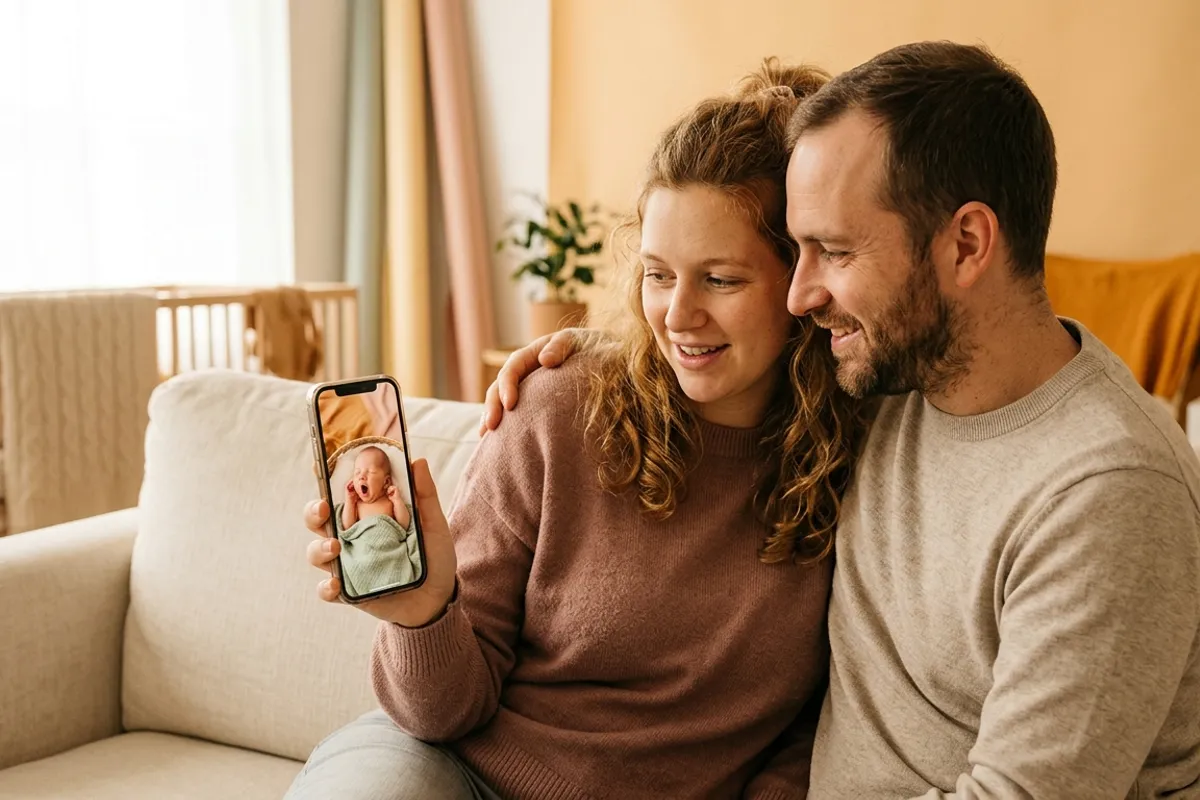
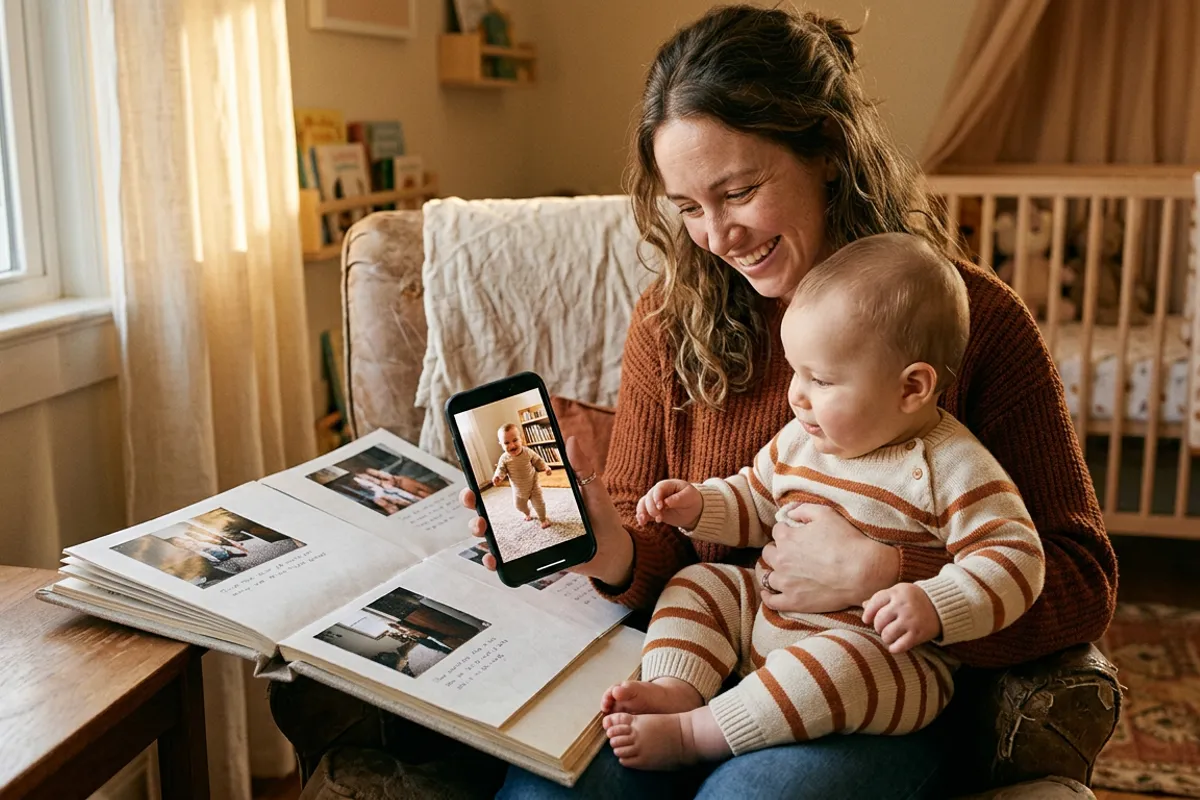
A newborn photo freezes how small the baby was. A living photo also keeps how the baby sounded: the tiny grunts, the first laugh, the way a hand curled around a parent's finger. For newborn and family photographers this is the most emotionally loaded product the AR workflow enables — and the one clients keep longest. Here is how to build it into packages: what to record, what to include per tier, and how to price it without pressure.
Quick answer
During the session, record 10–30 second video clips alongside the stills — first sounds, laughter, small movements. Upload each photo+video pair to Stories AR, get a QR code per print, and deliver prints that play in the parent's browser when scanned. Structure it as tiered packages (a few living photos in the base, more plus gift prints for grandparents in higher tiers) rather than pricing single photos.
Key takeaways
- The value is sound and micro-movement: newborn sounds and a baby's first laugh are exactly what stills lose.
- Record video during the session you already shoot — 10–30 second clips next to the planned stills.
- Package tiers work better than per-photo pricing: base with 2–3 living photos, higher tiers with more plus grandparent prints.
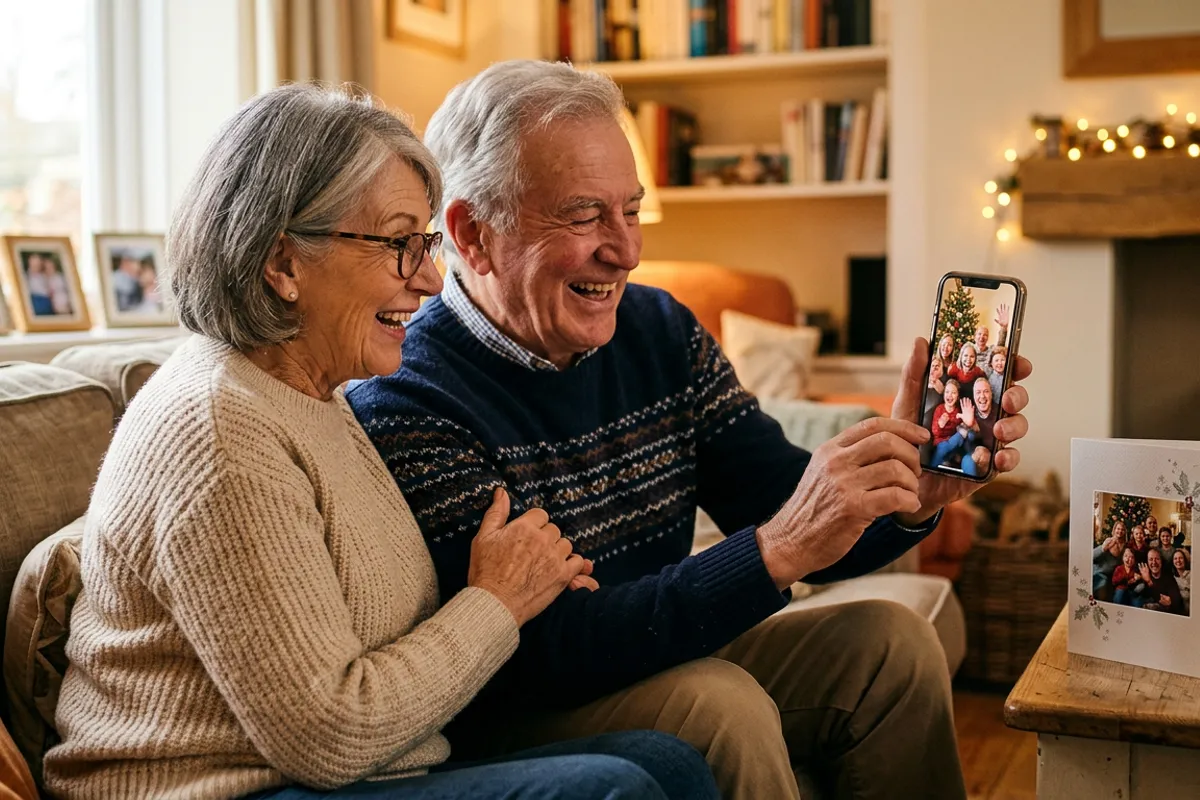
- Grandparents need no app — a QR scan opens the browser, which makes gift prints a natural add-on.
- The video can be replaced later, so a nursery print can grow with the child year by year.
What a still photo loses — and a living photo keeps
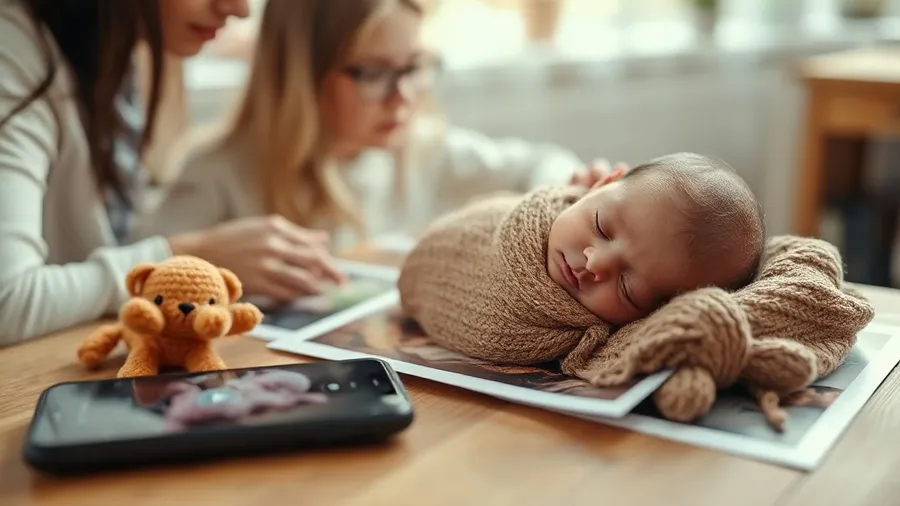
Parents forget the sound first. The specific newborn snuffles, the rhythm of a sleeping breath, the sudden first laugh — these fade from memory within months, and no print holds them. That is the exact gap a living photo fills: the printed portrait stays on the wall, and when someone points a phone at it, the browser plays those thirty seconds back.
This is why newborn and family work is the strongest use case for living photos: the emotional payload per second of video is higher than in almost any other genre. A wedding video competes with a whole film; a baby's first laugh competes with nothing.
Technically nothing changes for the viewer: parents or grandparents scan a QR code, the browser opens the camera, the print plays. No app, which matters for the least technical members of the family.
What to record during the session
You are already in the room with a camera — the video costs minutes, not a second session. Clips worth capturing:
- Newborn: 20–30 seconds of sleeping breath and small sounds, framed like the planned portrait.
- Details: fingers curling around a parent's hand, tiny feet stretching — shot from the same angle as the detail stills.
- Family: the candid in-between moments — parents laughing, a sibling kissing the baby's head.
- Milestones at later sessions: the first laugh, first steps into a parent's arms.
- One "time capsule": parents saying a few words to their child, recorded for the future.
Building the packages
Sell packages, not single living photos — parents at this stage want a decision made simple. A workable three-tier structure: a base package with your usual prints plus 2–3 living photos; a middle tier with more living photos and a framed piece for the nursery; a top tier that adds gift prints for both sets of grandparents.
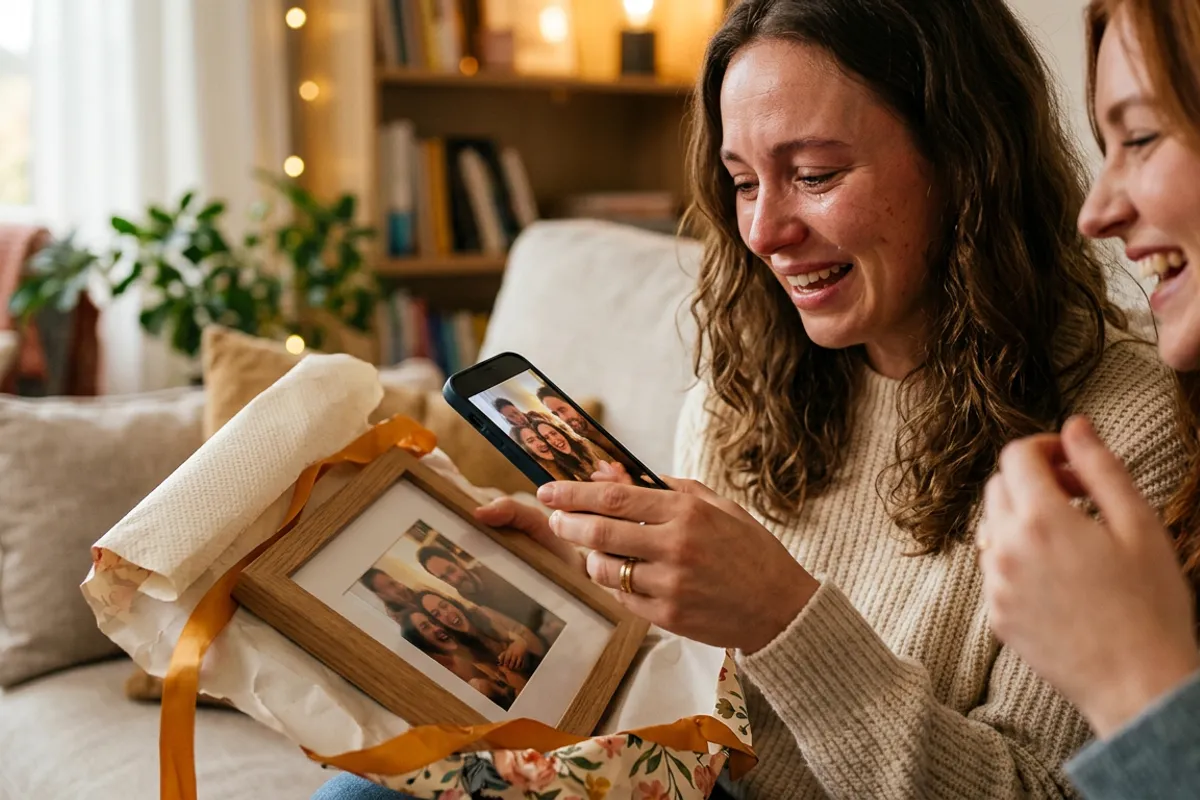
The grandparent angle deserves emphasis in your offer: a small framed print that plays the baby's sounds when scanned is the strongest gift product in family photography, and the browser-based viewer means it works on any phone without setup. The AR photo frame format fits this slot naturally.
On costs: the PRO plan at $24/month billed yearly includes 20 AR photos per month, so a typical newborn package with 3–5 living photos fits comfortably, and identical grandparent copies of the same image reuse one AR photo.
Pricing with tact
Newborn clients are emotionally open and often exhausted — which is exactly why the offer must be calm. State the packages plainly, let a demo print do the persuading, and never lean on "they grow up so fast" pressure lines. The product argues for itself when a parent scans a sample and hears a baby.
Price living photos as a meaningful premium over print-only tiers, not a token surcharge: the deliverable is a different category of keepsake. Keep one print-only package always available so no one feels cornered into the upgrade.
Offer the demo at the planning call, not at delivery. When parents know the living photos are coming, they relax into the video moments during the session — which makes the clips better.
A print that grows with the child
One property makes family living photos a long-term relationship rather than a one-off sale: the video behind a print can be replaced anytime, while the QR code and print stay the same. The nursery portrait that plays newborn sounds this year can play first words next year and a kindergarten song after that.
That enables an annual touchpoint: a small "video refresh" session or even parent-shot clips you attach to the existing prints. The frame on the wall stays; what it remembers grows.
Photographers build entire family product lines on this mechanic — more than 259 000 AR photos have been created on the platform. If you are new to the workflow, start with the basics on the living photos page and make one demo print before your next family session.
Add living photos to your family packages
Upload a photo and a 20-second clip — your first living photo is ready in about two minutes. First AR photos are free.
Start for freeFrequently asked questions
Do grandparents need to install an app to see the photo play?+
No. They scan the QR code and the photo plays right in the phone browser — Safari on iOS, Chrome on Android.
How long should the baby videos be?+
10–30 seconds works best: long enough for a breath rhythm or a laugh, short enough to load fast and loop nicely.
Can I add a video to a photo after the session?+
Yes. Any photo can be paired with a video later, and the video can be replaced anytime without reprinting — the QR code stays the same.
Is the camera recording the family when they view the photo?+
No. The camera feed is processed locally in the browser; nothing is recorded or uploaded.