How to Create WebAR: Augmented Reality Without an App (2026)
Andrei Zhizdra — Founder, Stories AR

Quick answer
To create WebAR without coding, use a no-code platform: upload an image (the AR marker) and the video you want to appear on top of it to Stories AR. The platform links them and generates a QR code. When someone scans it and points their camera at the image, the video plays right in the mobile browser — no app installation for you or your viewers.
Key takeaways
- WebAR is augmented reality that runs in the phone browser — no App Store, no downloads
- No-code platforms let you create WebAR in minutes: upload an image + video, get a QR code
- The image itself is the marker: any photo, card or poster can trigger the AR experience
- Removing the app barrier is why WebAR gets dramatically more views than app-based AR
- Your first WebAR experience on Stories AR is free
A few years ago creating augmented reality meant hiring developers and publishing an app. Today you can create WebAR — AR that runs in the browser — in a few minutes, and your viewers never install anything. Here’s exactly how.
New to the technology? Start with the overview of our WebAR platform — below is the hands-on guide.
Stories AR is now the largest living-photo service: over 62,000 photographers use it, and more than 259,000 AR photos have been created.
Why the no-app part matters: comScore found most smartphone users download zero new apps in a typical month — WebAR removes the single biggest drop-off point of app-based AR.
What you’re building
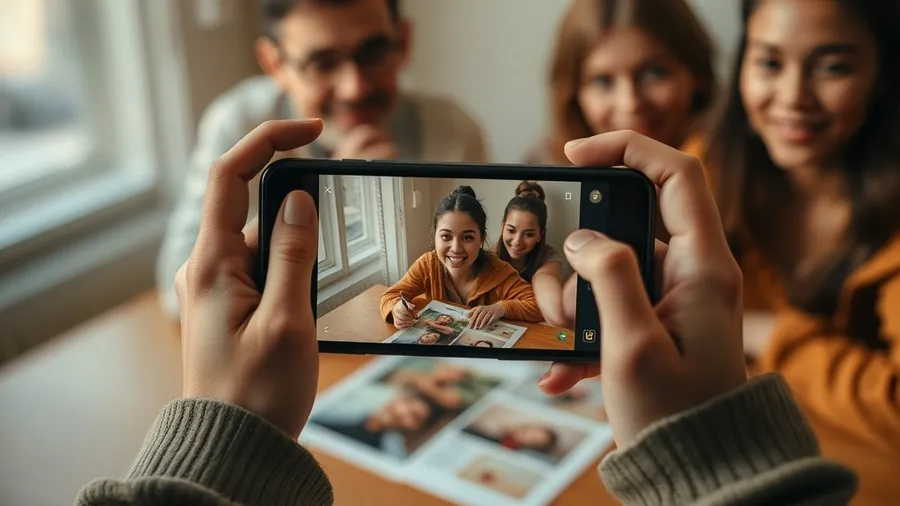
A WebAR experience has three parts: a marker image (the photo or design people will point their camera at), a video layer that appears on top, and a QR code / link that launches the camera in the browser. The mechanics of image recognition are the same as in AR photography.
How to create WebAR step by step
Step 1. Prepare your image and video
Choose a detailed, contrasty image — plain or blurry pictures are hard for cameras to recognize. Record or pick a 10–60 second video you want to play on top.
Step 2. Link them on a no-code platform
Sign up at Stories AR, hit Create, and upload both files. The platform fingerprints your image and anchors the video to it. Your first experience is free.
Step 3. Get your QR code
The platform generates a link and QR code. Scanning it opens the camera in the mobile browser — this is the WebAR part: no app, works on iPhone and Android. More on QR mechanics: how to create an augmented reality QR code.
Step 4. Test and publish
Point your camera at the image on screen and on print. Then place the QR code wherever the image lives: album, business card, poster, packaging.
Ideas to start with
- Talking photo — your portrait plays a video greeting.
- Living business card — the card plays your showreel or pitch.
- Living album — wedding and family photos that play the actual moments.
- Campaign posters — print that turns into video, plus QR code games for engagement.
Why WebAR beats app-based AR for most projects
Every install screen loses viewers. With WebAR the path is scan → camera → magic, which is why photographers and marketers switched: the experience actually gets seen. If your goal is selling AR products, read making money with AR.
Frequently asked questions
What is WebAR?+
Augmented reality delivered through the web browser. Image recognition and video overlay run on web technologies, so viewers just open a link or scan a QR code — nothing to install.
Do I need to know how to code?+
No. No-code platforms like Stories AR handle recognition and tracking. You only upload an image and a video, and share the generated QR code.
What can I turn into a WebAR experience?+
Any printed or digital image: photos, business cards, postcards, posters, packaging, book covers, menus. If a camera can see it clearly, it can come alive.
How is WebAR different from app-based AR?+
App-based AR (ARKit/ARCore apps) can do more complex 3D scenes but requires installation. WebAR trades some capability for zero friction — which is what matters for marketing and photo products.
How much does it cost?+
Stories AR lets you create your first living photo free; paid plans are for photographers and businesses producing AR at volume.